Good question, often asked but never answered.
Anyway by compiling it yourself from Git, you have the most fresh possible version!
If you want to check the preview render with an appimage, you can still try one of my UNOFFICIAL appimage builds which are built from the official source with the official build system.
Just adding some branding/warning to make it obvious that it is not an Official one
(+ a bit of cleaning of the libs, AppImage v2 and Gentoo compatibility, but the code is not affected, just the packaging)
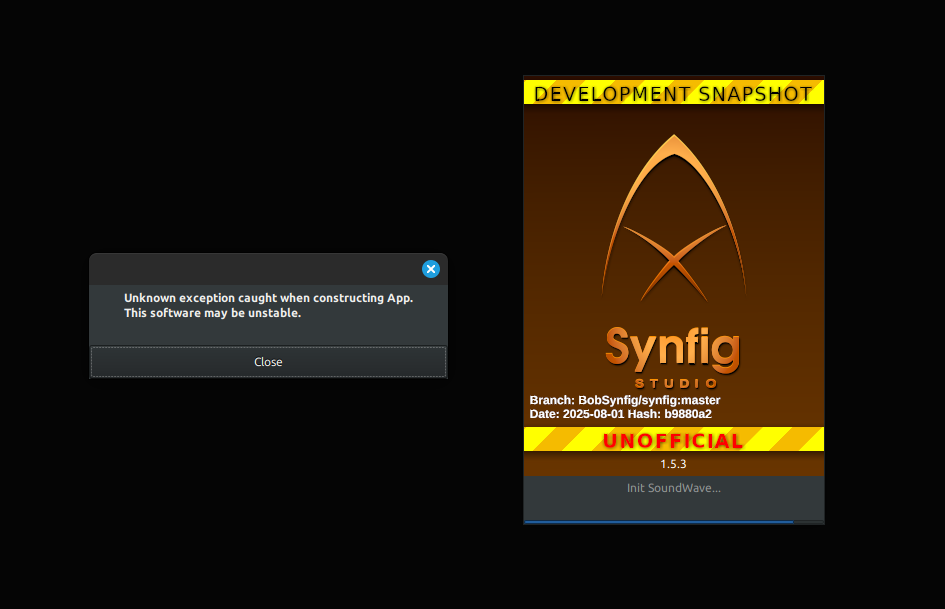
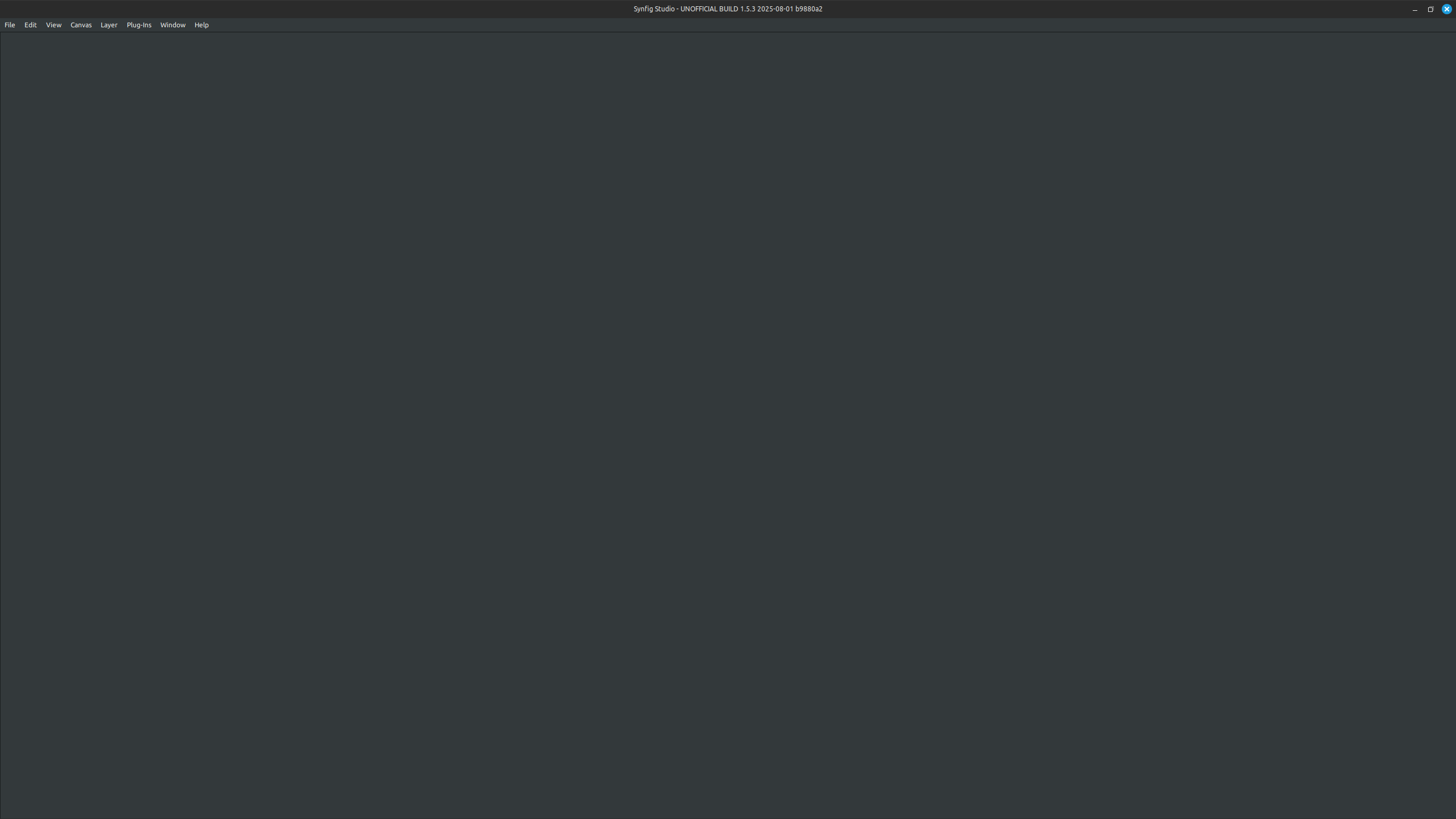
I get strange errors when trying to run the unofficial 1.5.3 Synfig appimage on Linux Mint. When I get it working the window is blank with only a top menu.
Did you use a custom set of icons in your normal installation as you talked about it?
This happended and I’m trying to find where the code is bugging.
I have also tried to embed new icons sets, you can select them and apply them but at restart it crashed.
Try to start a “fresh” config using the SynfigStudio-UNOFFICIAL-1.5.3-2025.09.03-linux64-e3ca2-REUPLOAD-GENTOO.AppImage.home
and SynfigStudio-UNOFFICIAL-1.5.3-2025.09.03-linux64-e3ca2-REUPLOAD-GENTOO.AppImage.config
folders.
(And don’t change the icon set at the moment, something is surely hardcoded)
Also start it from the command line to obtain some error logs
(+ which Mint version please)
Yes using custom icons in default installation made the unofficial build crash. I reinstalled Synfig 1.5.3 official build with default icons and now the unofficial build works fine. Im using Mint 21.3 still because I had some hardware compability issues when trying mint 22.
The only thing that I know at the moment is that the presence of the line pref.icon_theme_name=classic (or other theme name)
in ~/.config/synfig/settings-1.4
is causing the crash in the AppImage with icon themes.
You don’t need to purge/reinstall you Synfig, only the removal of this line is needed (at the moment)