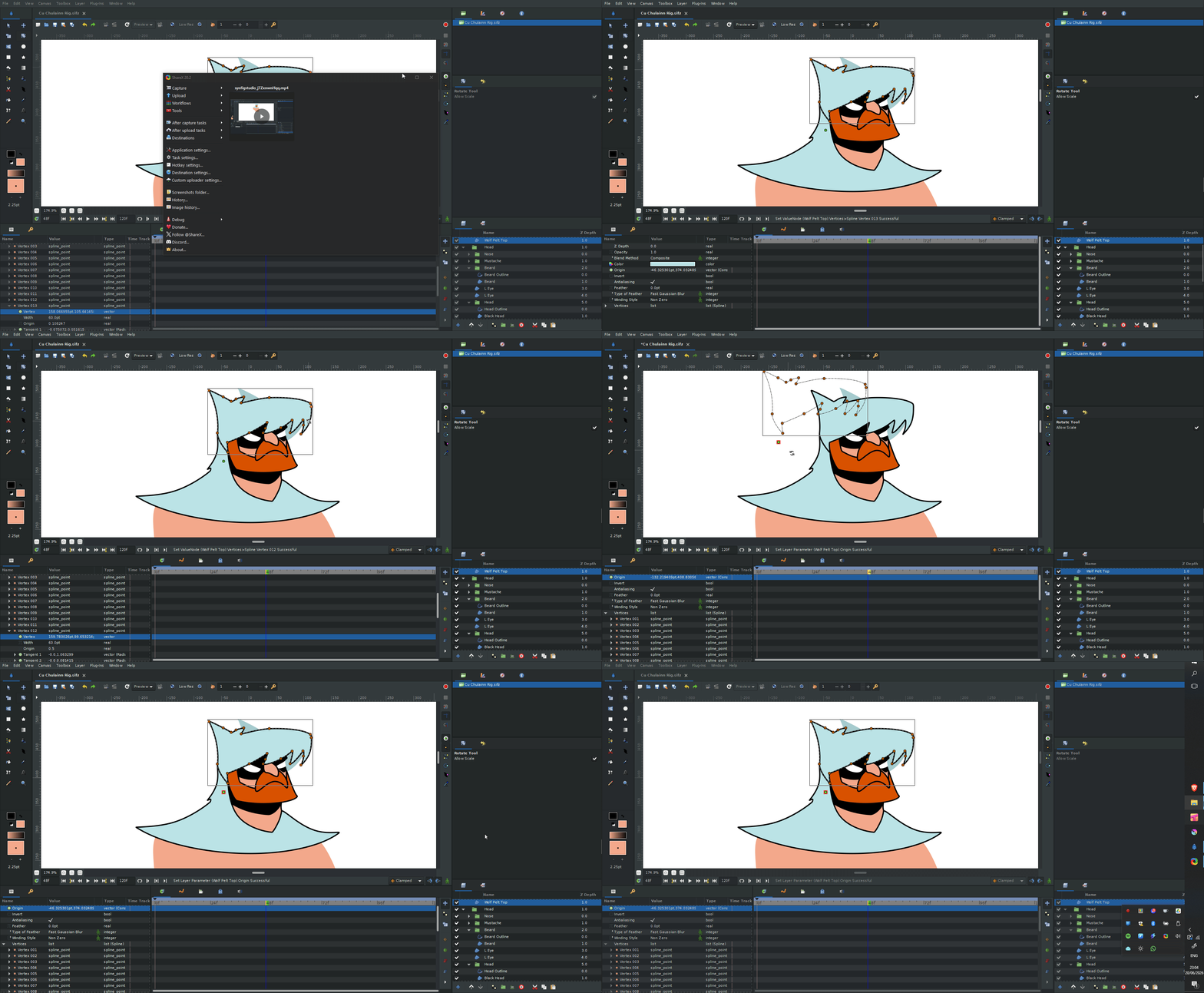
I’ve tried holding Ctrl, not holding Ctrl, using the Transform Tool and the Rotate Tool but nothing I do seems to actually rotate my object. Am I missing something?
I’ve tried holding Ctrl, not holding Ctrl, using the Transform Tool and the Rotate Tool but nothing I do seems to actually rotate my object. Am I missing something?
Hey there,
You need to SELECT the vertexes first before you can rotate them.
Click on the shape and press CTRL+A to select all vertexes or use mouse selection to select what’s needed and then you can rotate them by holding CTRL or using tools.