Hopefully this is the correct forum
for my very basic question:
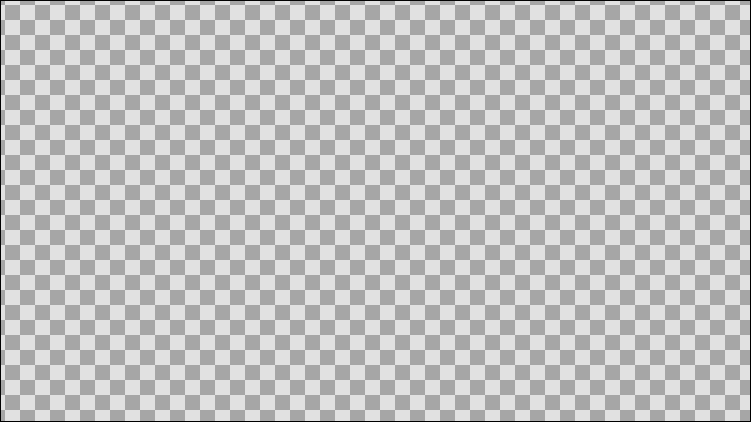
How do I remove the (annoying)
checkerboard background
while creating an animation?
Any help is appreciated.
That checkerboard is only a visual gimmick to tell the background is transparent (if the target/export file type supports it, like png and gif, for example).
You can add a background color by using a layer Solid Color (Geometry category).
If you want to automatically add it to any Synfig document, change it in Preferences dialog (section Document > Default Background)
Thank you for solving my problem!