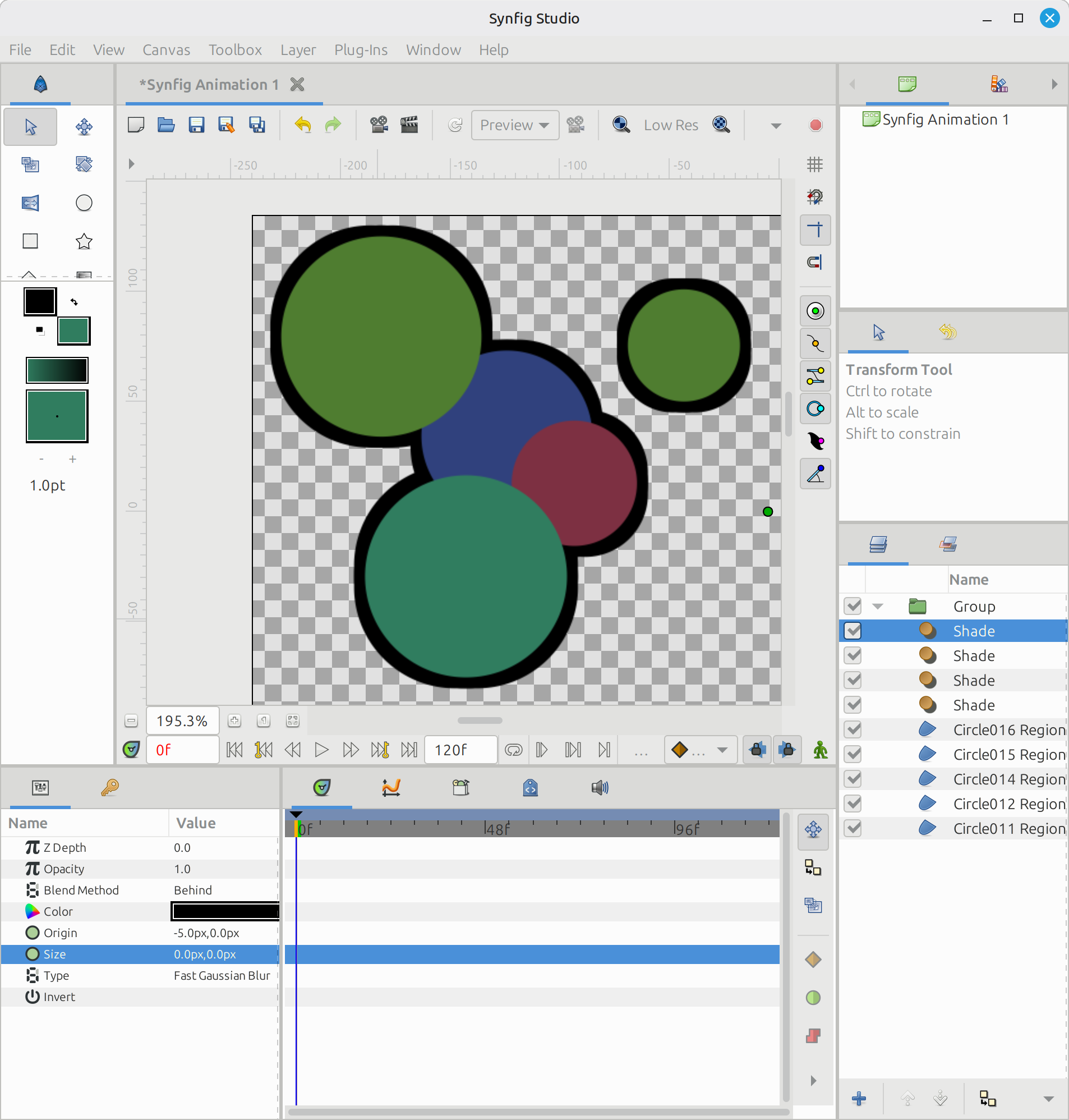
I know this is a opentoonz tutorial but can this effect in some way be replicable in synfig?
I know this is a opentoonz tutorial but can this effect in some way be replicable in synfig?
It’s perfect! Thanks!
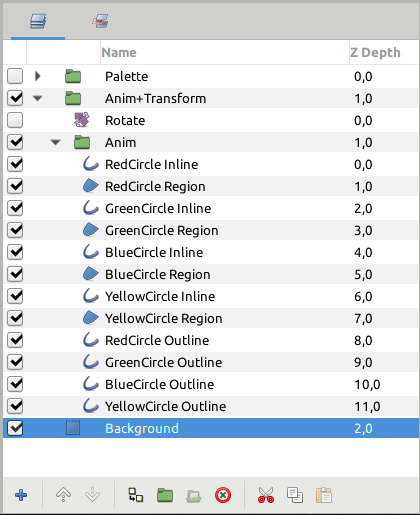
Don’t forget to use links between the centers and even the list of vertices of your shapes and shades.
In some cases, like for the nose of character of the video, you may want 2 outlines (in and out), they can be linked too but the shades must always be under anything with normally the same order.
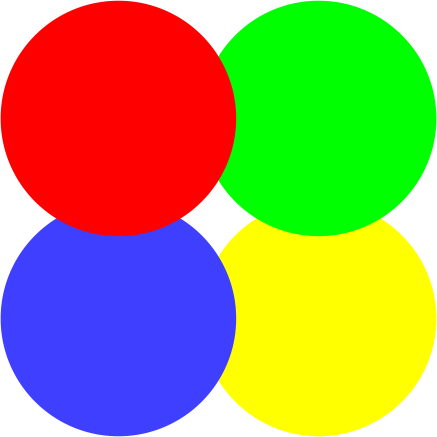
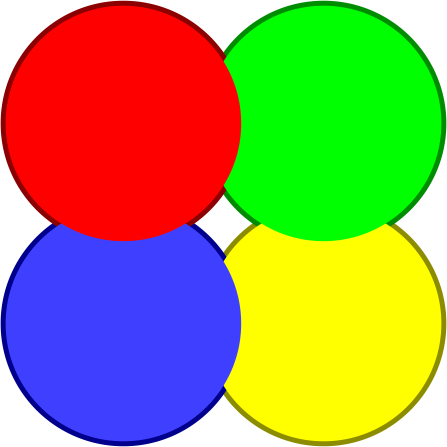
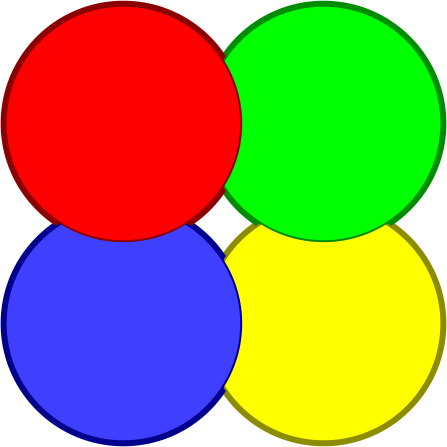
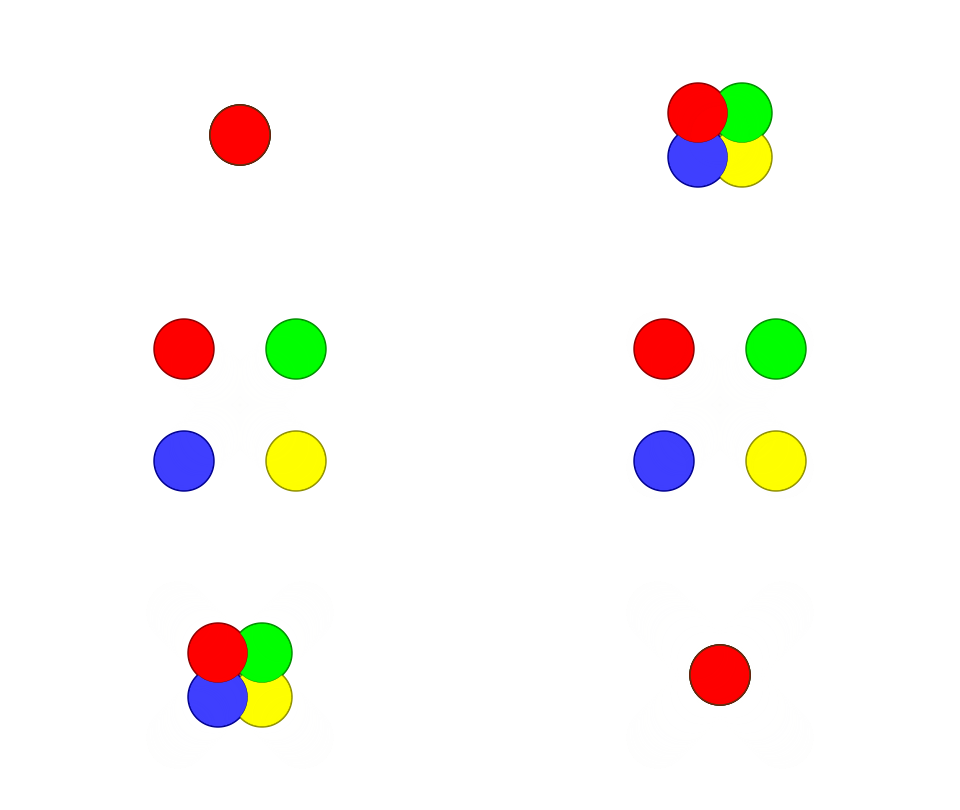
No outlines
IN outlines
OUT outlines
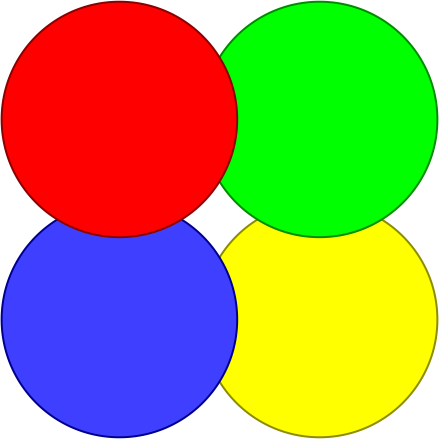
IN & OUT outlines
There is also a “palette” where you can change the colors which are exports/links with the ones in the shapes, as well as IN and OUT outlines.
Also all the shapes/vertices lists are connected, so it can be modified including outlines.
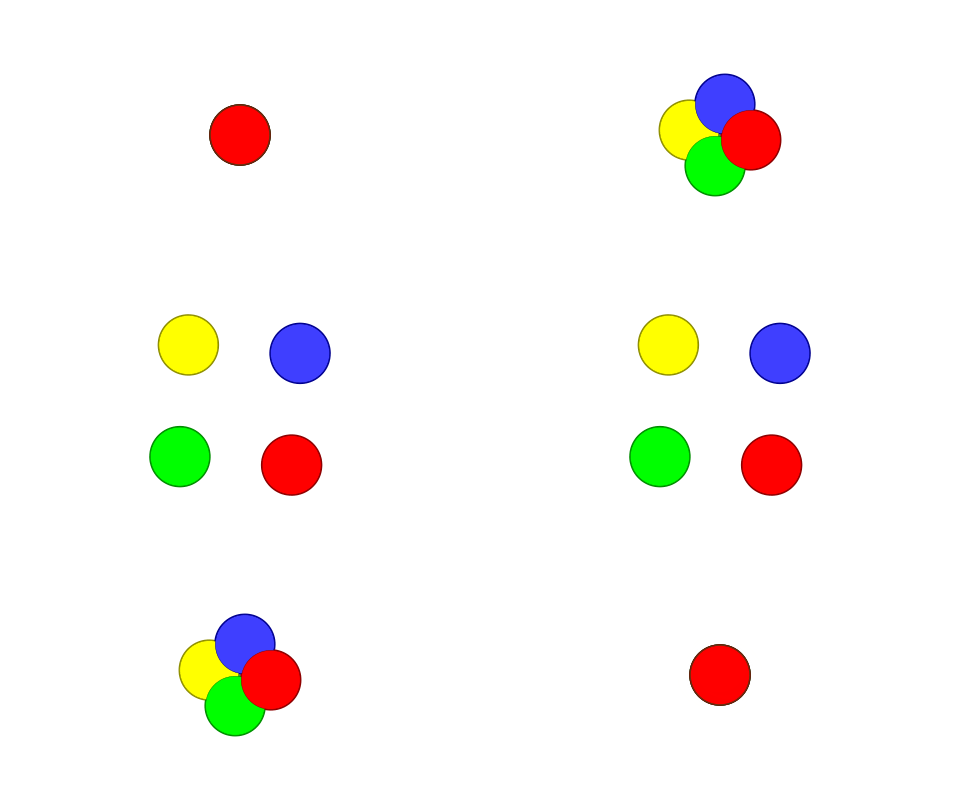
TestPalette.sifz (5.0 KB)
If you use outlines instead of shades, you can separate them into individual folders and play with position and designs too.
FueraContorno202603120820.sifz (5,6 KB)