Hello,
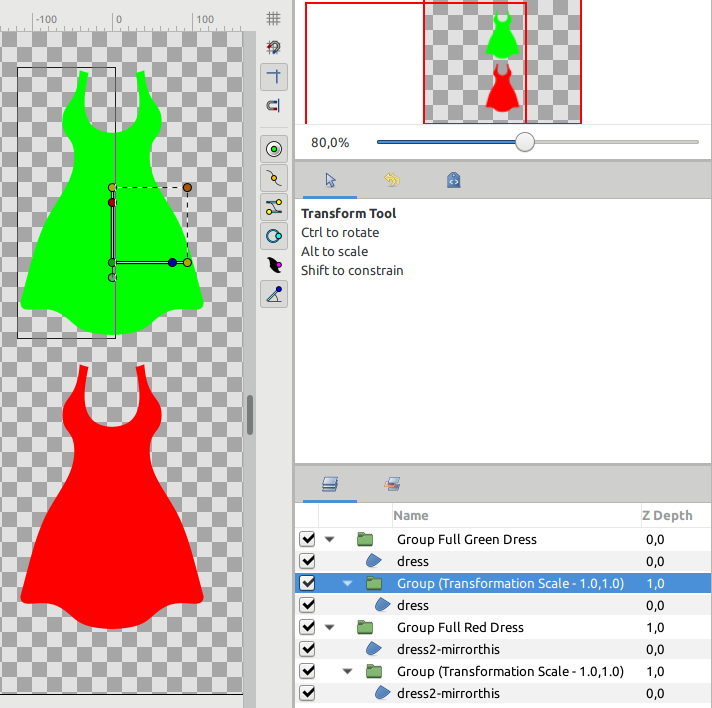
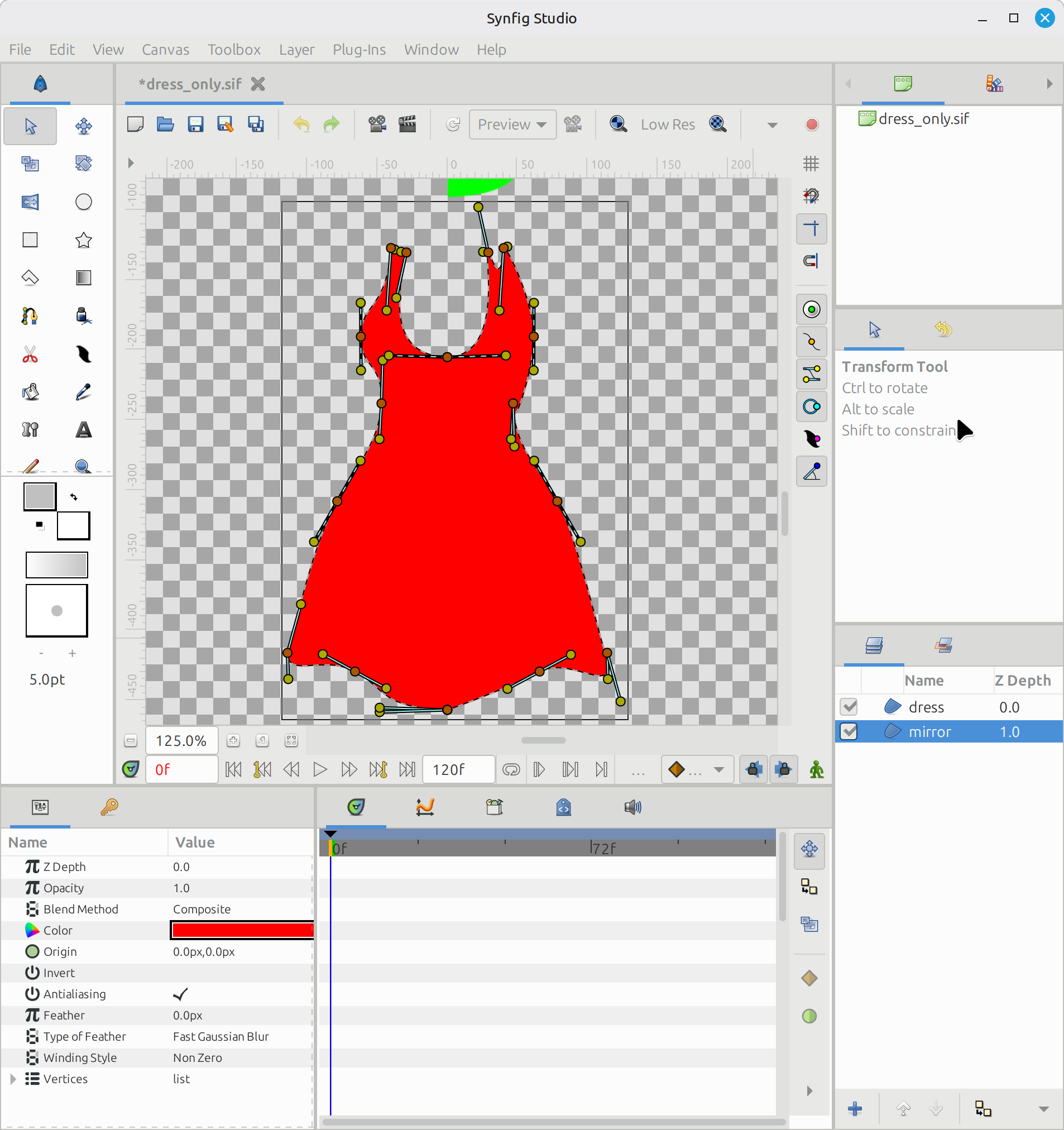
I just made my first Synfig script. I have the need to make symmetrical clothes, but I don’t want to draw both sides and I need it to be exactly symmetrical.
I made these half dresses for the example. One of them contains “mirrorthis” in the description.
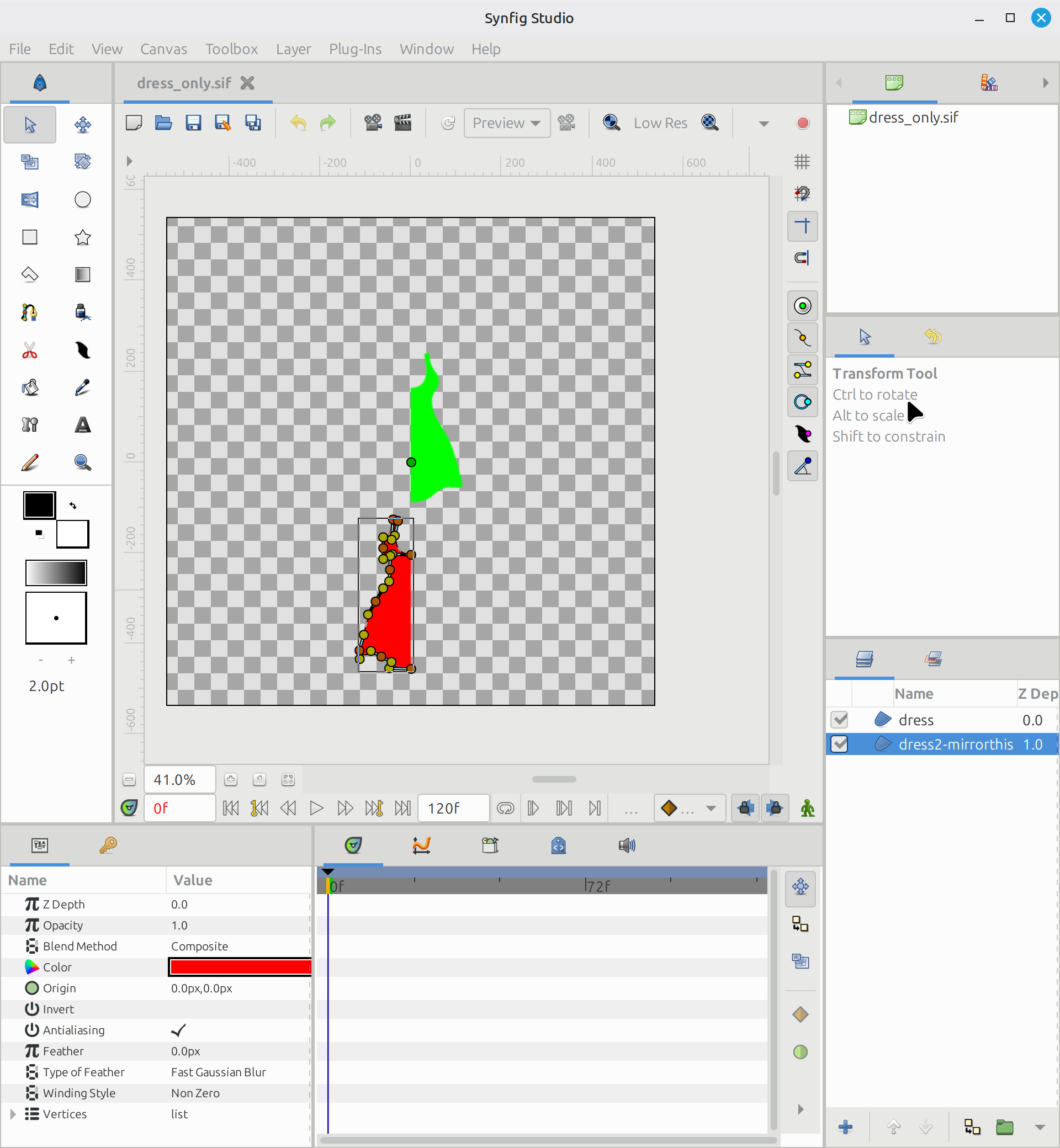
When the python script runs, Synfig passes the filename, an uncompressed xml file, which I open with the etree native python library.
I filter the layers with the word “mirrorthis”, then I drill down with “bline” xml tags, and “vector”, “t1”, “t2”.
I invert the x coordinate of vertex, and rewrite each angle with its complementary (180-angle).
Finally I write the tree into the filename with the xml library.
When Synfig re-opens the file, the dress with the word “mirrorthis” appears mirrored.
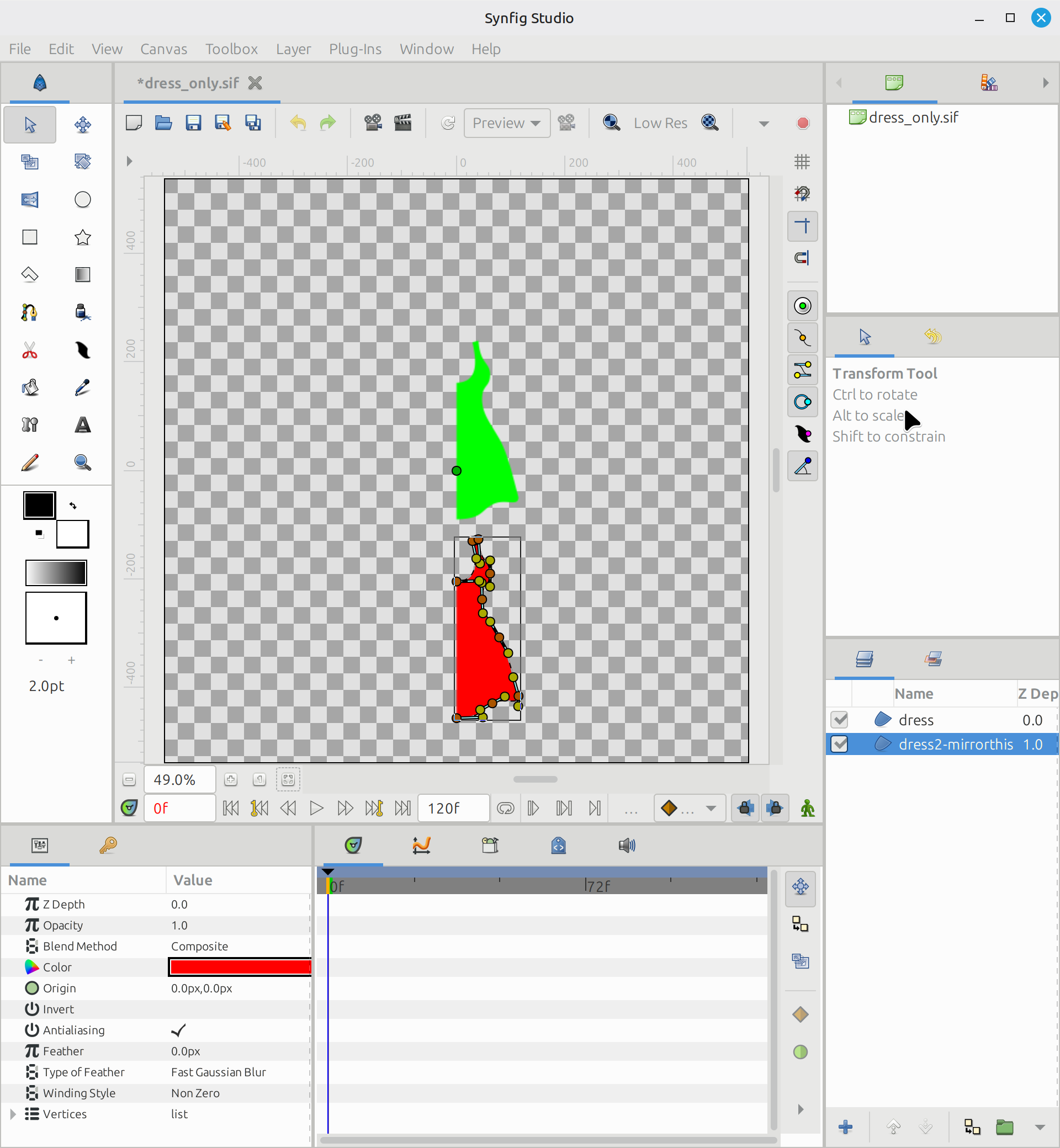
But I don’t just want to create mirrored versions and place it next to the original. I want to duplicate the vertices, and concatenate them in the correct order, to make a single path for the whole dress/clothes. I think I need to reverse the order of the duplicated vertices, so the resulting shape is correct.
It’s also the first time I use the xml library, so I need the help. Please send me a code example to duplicate and reverse XML tags.
I plan to work on the math, so that the shape is not simply mirrored around x=0, but mirrored around the line that connects the first and last vertex.
Attached: plugin script and half-dress design
Make mirror nodes.zip (3.4 KB)
Reference: xml.etree.ElementTree — The ElementTree XML API — Python 3.14.5 documentation