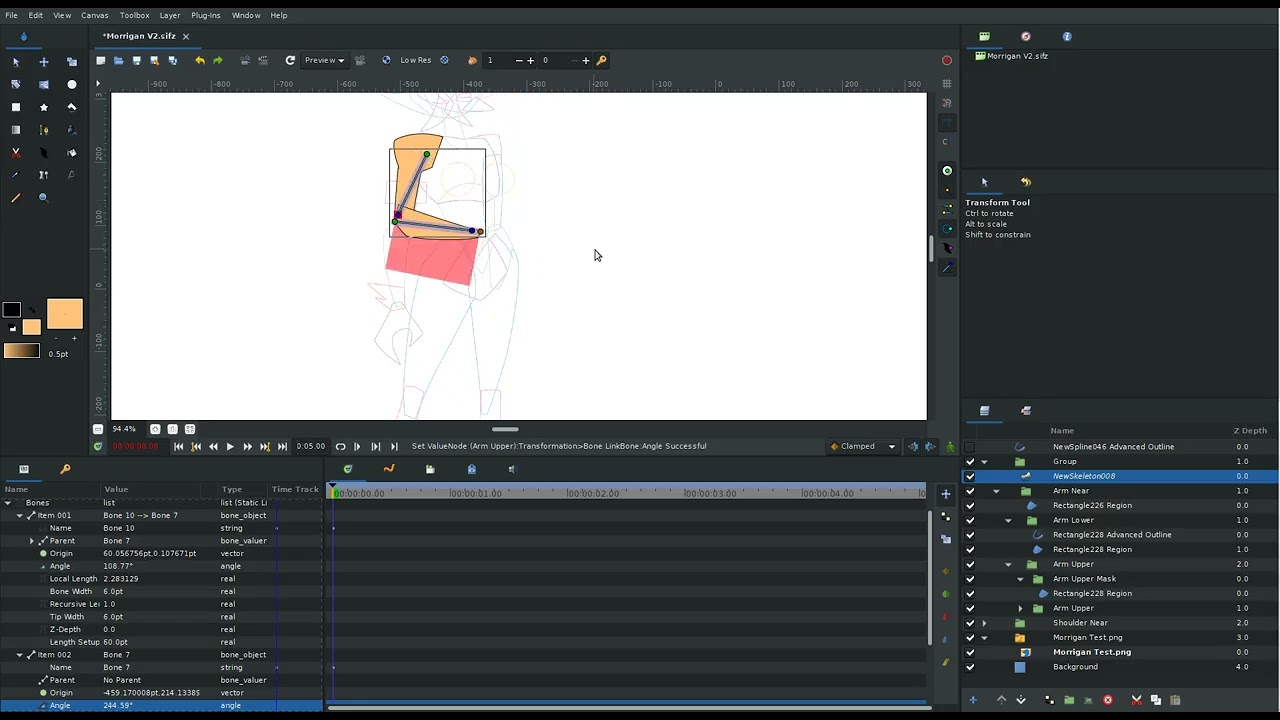
I want to use the red/pink area in this arm as a mask that hides the bottom of the Upper Arm but am having trouble getting it to connect to the Lower Arm. Upper Arm Mask needs to be parented/linked somehow to Lower Arm and move along with it. I was wondering if there is a solution for this please?
I have tried Link’ing the mask to the lower arm’s Transformation points in the parameters (which would would correctly if this were just standard cut out) but as I’m using the bone system I need the mask to stay connected at the exact points and scale/distort at the same time as the Lower Arm.
I have also tried linking the mask to the bone of the lower arm and have even tried the bone of the upper arm but none of these work.
It’s possible that the artwork is inside a group with a non-zero offset or origin, which could be causing this issue. Make sure the group itself has not been transformed.
To help identify the problem, could you attach your Synfig file so I can take a closer look?
@robertojguerra Unfortunately, I want the limbs to remain sharp/angular so that method wouldn’t work for me but it looks great! This is an example of what I’m trying to achieve. For added context, this is the actual file I originally made (I was using pivot points, not bones for this experiment) to see if I could achieve these types of rotations. Just btw if you want to try out the file, it’s important to use the rotation from the master Arm groups (for shoulder rotation) or Lower Arm Artwork (for elbow rotation) and not any of the other folders because otherwise they’ll all fall apart. They’re fragile :')
Regarding 0,0 rotation:
From what I can see all my groups are at 0,0 so not sure if that’s what’s causing the issue. If anything is found in the files that might be causing the issue please let me know
After checking your file, it looks like you’re trying to link a bone inside a group to Bone 10, while another group nested inside it is linked to Bone 7. This setup should be avoided because Bone Links should not be nested in this way.
I tried moving the group, and everything worked normally. However, I understand that you may want to use masking. The question is: should the masking group be linked to Bone 10 or Bone 7?
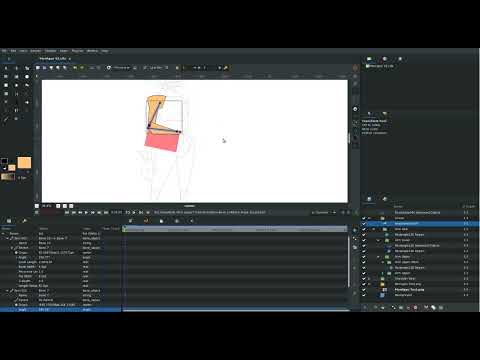
I also tried another approach: instead of linking the group to a bone, I linked the spline directly to the bone. You can see the result in the video.
I have one more question. What kind of arm are you trying to create? Could you share a full-color reference image rather than the sketch in your file? That would help me better understand your intended design and analyze how to achieve the result you want.