Is there a way I can convert an imported coloured image into Grayscale on Synfig?

Hi everyone,

Is there a way I can convert an imported coloured image (.png, .jpeg, etc) into Grayscale on Synfig?
I know there are ways to do it using other programs , but I’d like to be able to do everything on Synfig studio if this makes sense.
Any suggestions?

Thank you so much in advance. :blush: :pray:

1 Like

Create a solid white layer and convert its blending mode to colour.

5 Likes

Hi Kai,

I can’t thank you enough! I had never thought that this could be possible or easy to achieve . This is just amazing. Many many thanks. :rose: :rose: :rose:
Have a great day.

1 Like

You’re welcome. Have fun using Synfig. :blush:

I know you already have a solution for your needs, but I figured I’d mention an alternative approach anyway in case it’s helpful/useful.

A b&w effect can be achieved using a halftone layer. Use the mask size to adjust sharpness: Halftone 2 Layer - Synfig Animation Studio

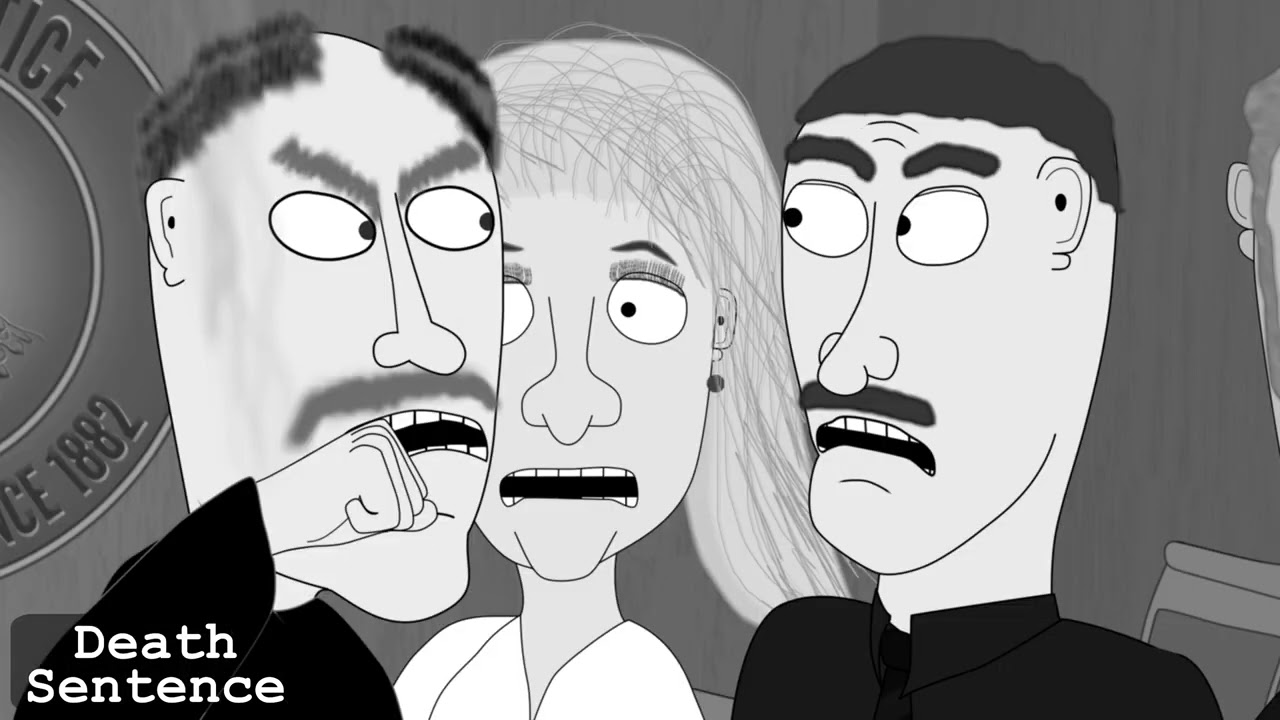
I used it here to convert a full color cartoon to b&w: