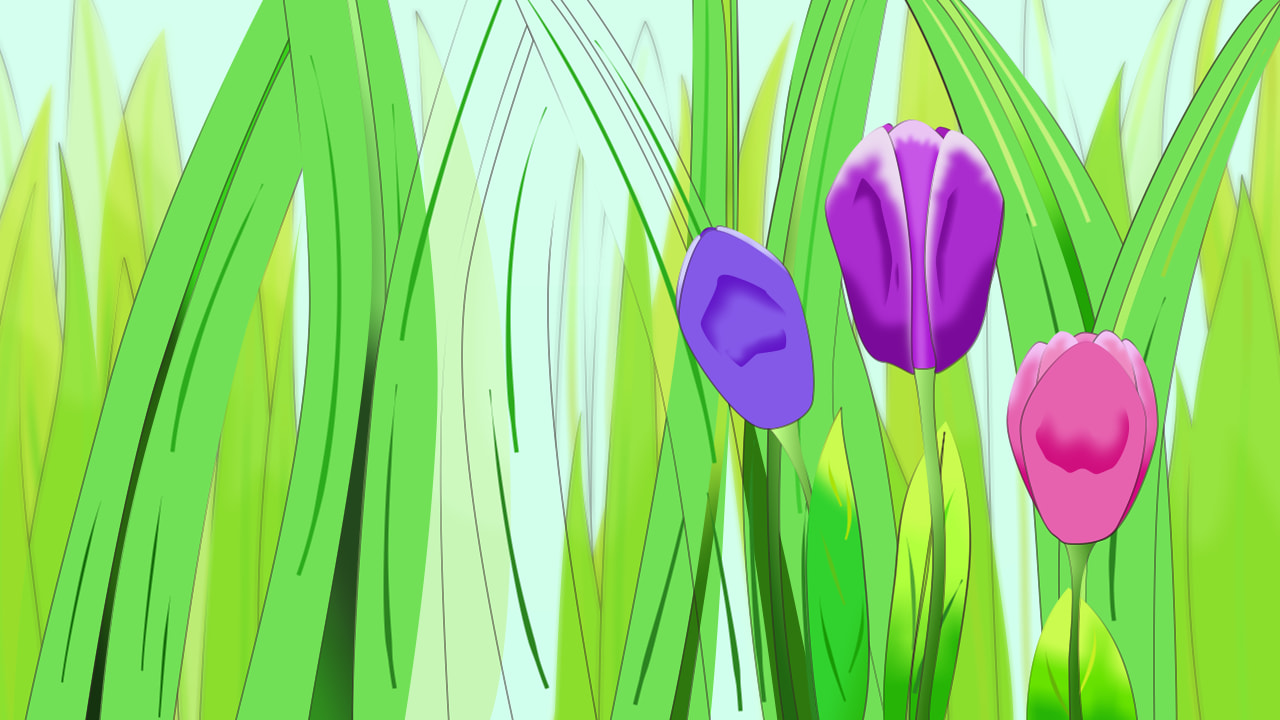
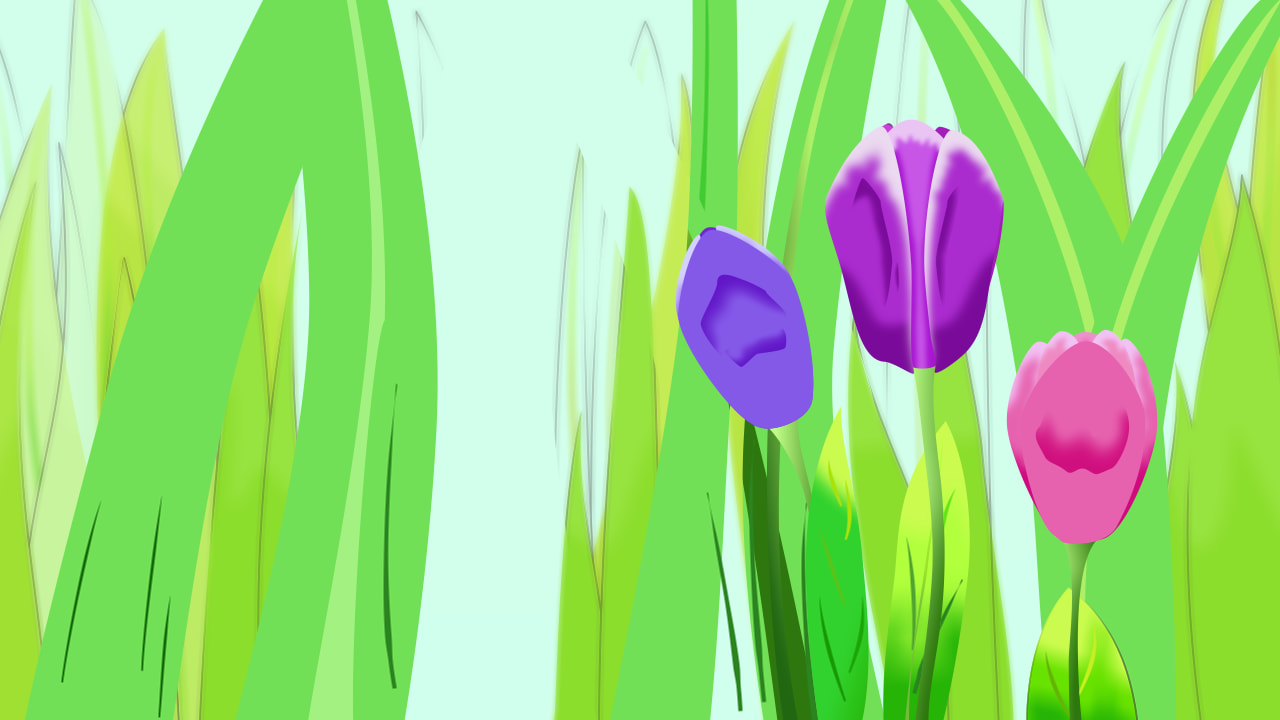
[Image] Three Tulips

Ayyyyy, greetings everyone! It’s… uuhhhh.. been awhile~ :sweat_smile: :raising_hands:

Okay, so I don’t know what made me do this, but my thought process was like this when I started making this image:

I was having an art block, and felt my motivation dropping just a little bit…
Then I was like,
“Y’know what? I’m gonna try to draw three tulips in a grass meadow rn, idk.
And maybe try to push the coloring aspect of it as far as I’d like to…”

I did that, got a bit too into it, and this is where I ended up.

Took me 7-8 hours (nearly 3 weeks with breaks).
Yeah this could’ve gone much faster, but I like to pace myself (sometimes a bit too much, I admit). :upside_down_face:
After all, this was supposed to be just a scribble file, where I test out things like lines, sketches, colors, etc. (and maybe sometimes, a full-on drawing like this if I feel like it)

Also, I found out something interesting when adding finishing touches to this drawing, in form of stacked blurs.
(that is adding multiple blurs in different layer levels to simulate level of detail; or at least that’s what I was hoping to achieve here…)

When I did that by adding blur layers and putting each of them to their own ‘Filter Group’ layer, the image looked very normal on the canvas, both on the ‘Preview’ and ‘Final’ render mode; as in, the levels of blur was there as intended.
But when I render it, it gave me this:
It looks kinda funky, almost watercolor-esque in my opinion. Not what I was looking for, but I liked it~ ^^

Yeah I’ve tried rendering this on the most recent dev version as well. The result was somewhat better, but still not quite there: :face_without_mouth:

Took me awhile to find the root cause of the problem; hence how I ended up trying to render this in the most recent dev version. But turns out, leaving the blur layers as they are (not encapsulated into the ‘Filter Group’ layers) was the way to go.

Not sure why I did that in the first place. I probably just got a bit paranoid at that moment.. (.-.:wink:

4 Likes

Nice!

Regarding the problem: it should not have any difference between Final render mode in Synfig Studio and the rendered file :frowning:

We need to investigate it! Please send us a sample file to test it.

Ayyyyy, thanks alot! :grinning_face: :raising_hands:

As for the bug, I… tried to recreate it on a new file… and I couldn’t… for some reason.

So I did a little more testing, and found out, I might have partially contributed to this bug in a way.

(note that I’m only 95% sure that this might’ve happened, but I think it might be main reason… ._.)

Okay, it might have something to do with my file’s density, as in… I have too many complicated layers below the filter groups?

Like I said, I’ve tried replicating this, and failed. But when I went back to my scribble file and test it out, the issue lingers consistently. It’s pretty weird.

And moreover, on rare occasions; when the memory load is a bit heavy, when I try to render my image with filter-grouped blurs, my laptop actually froze for a moment (not just Synfig, the whole thing). Like, at some point it actually crashed my obs, while it’s not even recording :upside_down_face: (I used some sort of NDI setup with two laptops to capture my recording).

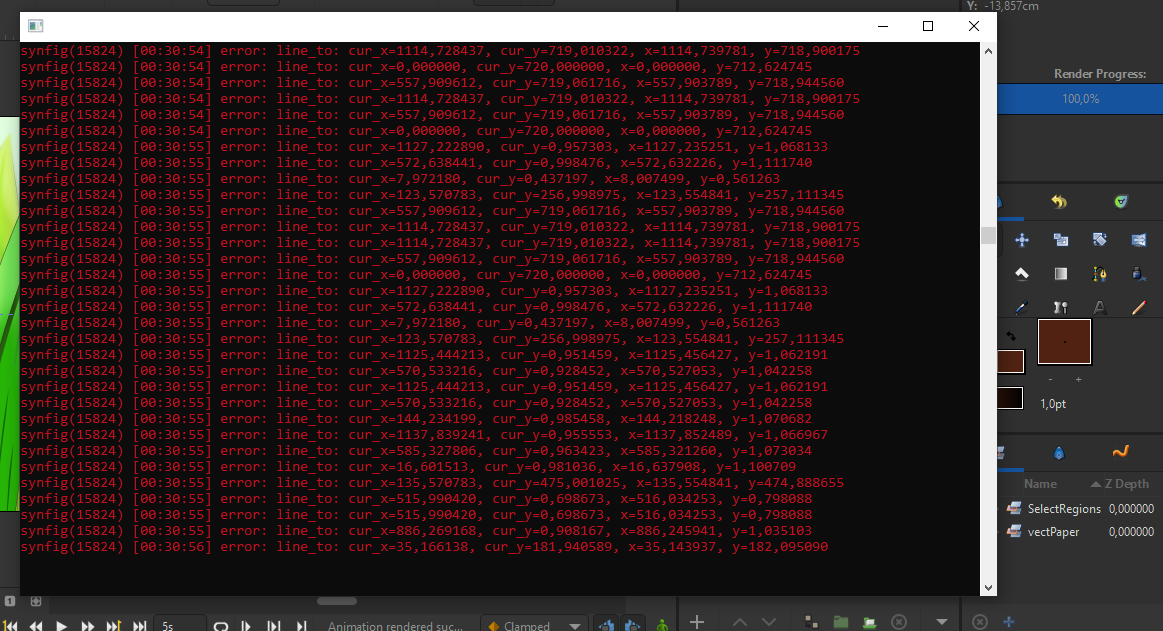
Also I somehow have Synfig’s console open all the time, and it kinda gave some sort of clue of what might’ve occured…

Here’s what I got when I try to render my image with filter-grouped blurs:

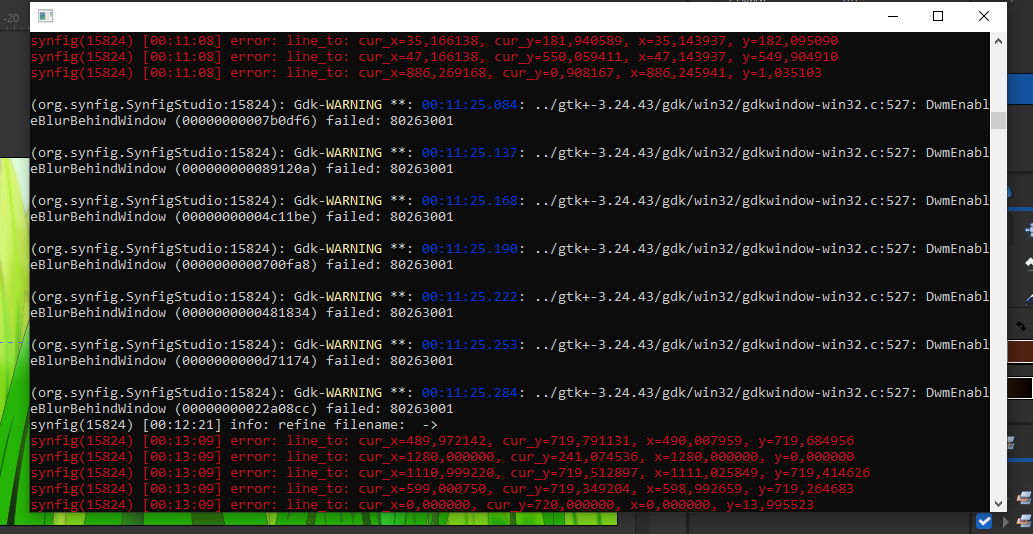
And here’s some… fatal error message… thing…
Probably because my laptop’s memory was too full to work on the renderer:

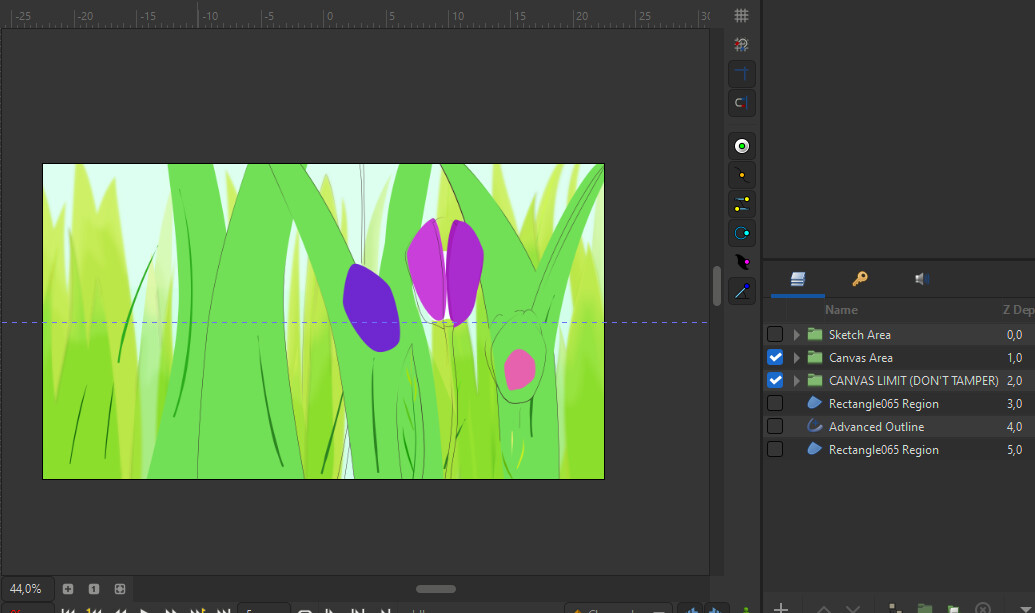
I also caught this rendering error on the workarea, but that can be mitigated by refreshing the workarea, thankfully.
Additional note, this file has the blurs encapsulated in their own filter groups.
(and yes, that same chain of red messages did show up when this occured)

And just for the record, those messages did not show up when I try to render the image without filter-grouping the blurs. I’ve checked…
(and the renders were clean~)

So this whole thing kinda lead me to a theory, that the bug might’ve stemmed from filter groups trying to apply the filters to too many layers with some weird blendings below them, causing the renderer to break and abruptly ended rendering. Which is why some of the layers that resulted from the failed rendering is just… gone…

I was about to end it there when something happened…
When I tried tinkering with the bugged file, by hiding some suspected layers, my pc froze again. This time it is just completely stuck. Almost like a BSOD waiting to happen
So I ended up force restarting my pc.
From the next boot up, I immediately tried to render test the supposedly buggy file; no other programs opened, just synfig…

It worked… Flawlessly. No errors, clean render.

Which means my laptop’s memory load might’ve contributed to the issue this entire time.
(which makes sense because I have a browser opened that entire time…)

hm…:dotted_line_face:

Wait does that mean rendering layers that are affected by filter groups takes more memory?
Because rendering with blur layers that are not filter-grouped works, even when my browser was open that entire time…

so… um… as for your request…

I’d like to, but…
I actually find it surprisingly really hard to replicate the bug, is it needs to be dense and complicated, with blurs, blends, and stuff… It’s actually pretty wild.
Also I highly suspect the issue is more memory related than filter group related, meaning that it can just be mitigated by closing every other programs first…

But, I can send the sifz of this image.
Even though the actual root cause of the problem has been found (i.e. me :sweat_smile: ), you can still use it to stress test synfig’s render engine. See how far it can go with a limited amount of memory until it breaks ^^;