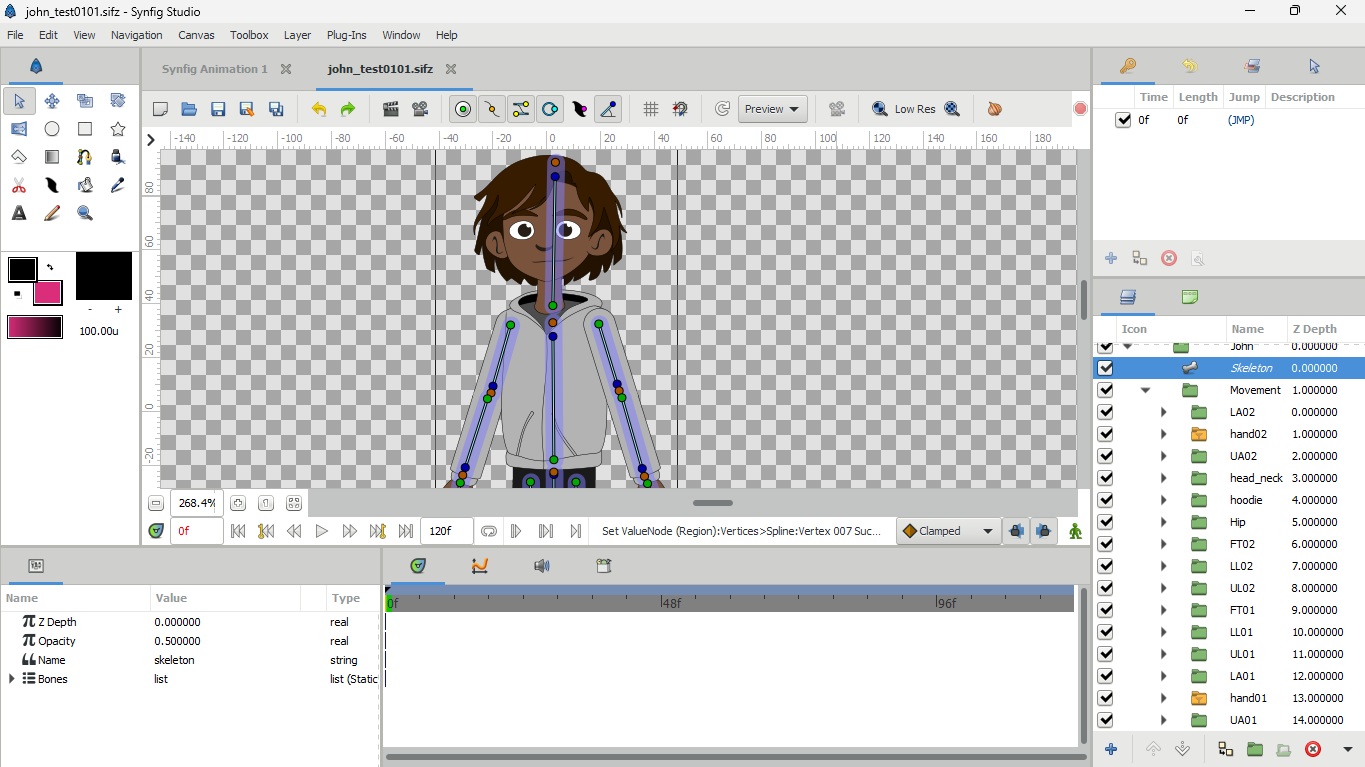
Hello Guys, I’m a 2D animator with over 5 years of experience in After Effects and Toon Boom… I recently came across Synfig and I saw the potential for synfig to become to 2D animation what Blender is to 3D animation. I got to work watching a lot of tutorial videos and I have to say that the amount of tutorials and animation videos of synfig online are not so encouraging and I don’t think it would inspire people much to try out the software: Synfig is great with a lot of powerful tools to help, but no video online highlights it’s strengths or even shows the full capabilities. Characters animated in synfig that are shown online don’t really look so attractive or of good quality. So I got to work trying to create the best rig system that can rival even that of toon boom and I have to say that I’m confident I pretty much cracked the code
Welcome to the synfig community 
To say you have a good rig, you need to show it moving 
No need to, he said “the best”, not even “a good”, nothing to prove 
Still, the character’s left arm looks like a stick in front

Haha… I will, I’m actually having a little bit of a difficult time trying to figure out how to export. I tried exporting a gif but it ended up being over 3mb. But I think I got the hang of it so I’ll be posting some awesome clips soon 
Haha… Just cause I called it the best doesn’t mean there’s no room for improvement, I mean the iphone 17 pro max is the best iphone currently but that doesn’t mean there’s not going to be a new and improved iphone. Also for the character, I’m still getting the hang of drawing in synfig, when I say “the best rig” I don’t mean the best drawing, haha. I tried importing my inkscape character desiign but it kept being distorted  . Finally I was able to import my corel draw character design and it was perfect
  … I’m having a blast with synfig, can’t wait to share more of my work with you guys.
I would like to see your future work
When you work in Inkscape, there are 2 ways to import from Synfig:
- Synfig imports/opens the svg. Imports succesfully and groups are maintained. Some effects like clipping are lost, and the scale and offset are weird (can’t remember exactly how right now).
- Inkscape saves as *.sif file. Synfig opens it successfully but all the grouping is lost.
Thanks a lot, I’ll try that out.
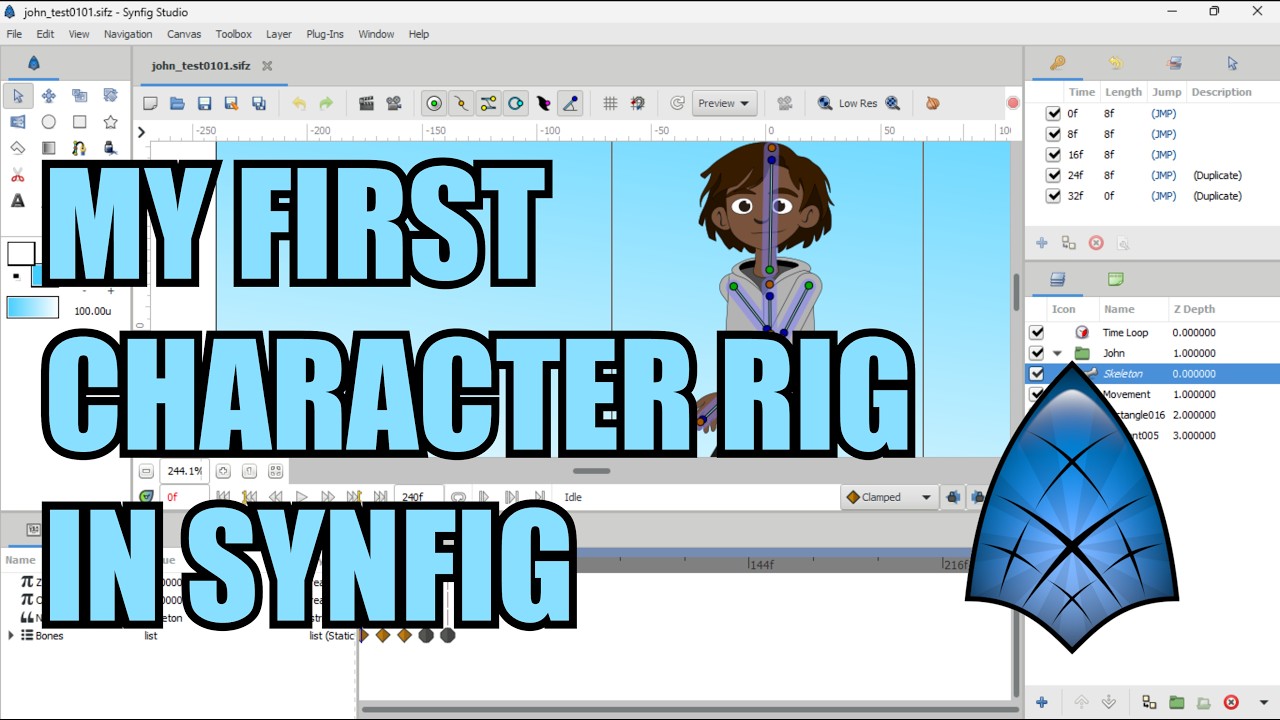
Here is a video of a short walk cycle I did with my first character rig ever on synfig, I’ll do other poses and upload soon.
That looks very nice
The up-down movement looks barely noticeable… but I am not an expert in animation.
I really like that the hair moves with each step
I am having decision problems with my rig. I can’t decide if the face in 3/4 view is strictly 3/4 view, or make it look a little toward the viewer… I guess it depends on how you will use it.
true, depends on how you will use it. I tried using the joystick plug in to have a head turn but it’s not to smooth for me, I ended up just using the switch layer for different head angles.
I’m working on some new characters and I’ll post soon, I really love synfig and I’m going to use it to create my short animated series for youtube.
If you don’t mind, could you explain why the joystick plugin isn’t smooth?
I keyframed all the head poses I wanted in the right order, but when I activated the plugin, the left eye shifts downward when I move the head to the left. The other poses appear good and when I move the head away from the left it readjusts back to normal
Thank you for your response. I happen to be working on a plugin similar to a slider/joystick—more precisely, something like a smart bone in the Moho application. I plan to release it in the future.
Awesome, can’t wait… Looking forward to it, would be a huuuuge help
hello Robert, I’ve been offline for a while because of a family emergency… I saw a new update for synfig (version 1.5.5). I tried to install version 1.5.4 before but it never worked… So I’ve been using the stable version 1.4.5…
Is the version 1.5.5 working?
As you said “install”, are you using MS Windows? 10 or 11? What error you get?