hi @Bobsynfig,@rodolforg How do I create an AppImage so it can run on all Linux distributions?
You have to check the Synfig dev documentation, AppImage documentation (for the structure, specifications and packaging tools) and morevna-builds for the current build system (still in AppImage v1, but conversion to v2 is straightforward).
In a general way, you have to compile on old systems (via Docker/Podman) to be compatible with all the more recent systems (from where it has been compiled), add all the required libs and process the directory.
Note that every app/compiler/framework has its pre-requisites …
It’s not that simple and it may be incompatible at the end.
In fact, it is easier to compile it on your system instead of distribute a binary, only 2 scripts have to be run.
P.S.: You can still make a Deb version for same OS version, see Synfig Dev Docs in CMake section
1 Like
@BobSynfig Thank you for the explanation. It’s true that creating an AppImage is not easy. I’ve tried many times, but it always fails unless I run it on my own system. Even so, I will try again later based on the explanation above. Thank you in advance 
morevna-builds is (nowadays) a lot easy to use, you just start the script of the desired app and it builds the Docker image for the environment, downloads and compile the libs that will be used and once everything is ready it will download and compile Synfig.
But …
Limit it to only one version (linux/win, 32/64) because it download/compiles libs, setting flags when done, and make Docker image for each version (space x 4).
By luck it is done only once but it takes a lot of Gb and there are hardlinks.
During the process, it also fetches 3 times Synfig’s repo ( for ETL, core and studio) and if it fails you have to know how and where to clean.
Another hard part is to maintain a set of libs whose versions are compatible between them and adjust the scripts, to stay independant of the libs of the system used to compile. (and without messing the host system)
And as always, lack of documentation 
But I spent so many hours breaking my head on it to experiment that I may write it some day
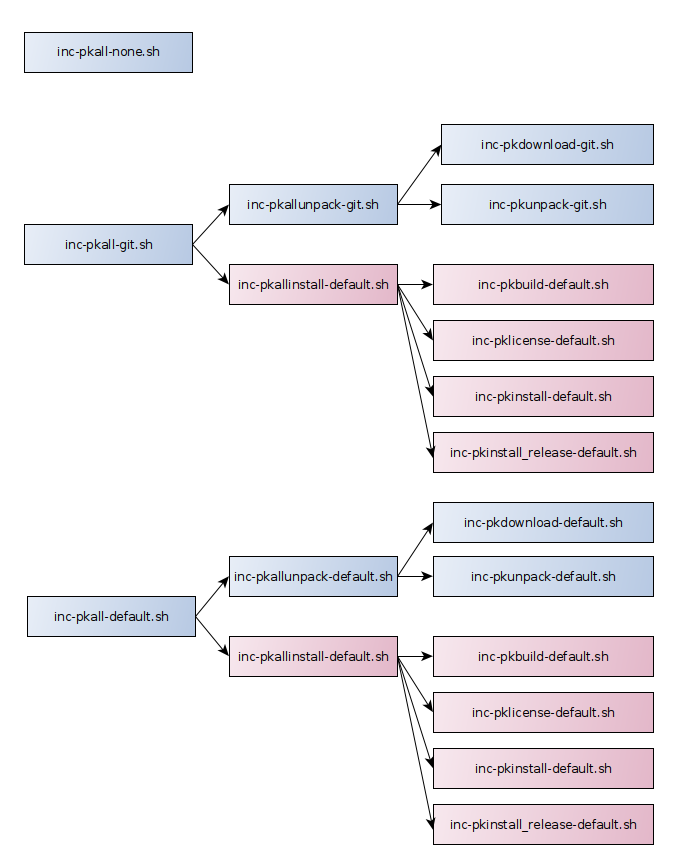
Some graphs made with yEd to help to understand the structure
https://github.com/morevnaproject/morevna-builds/tree/master/env-builder-data/build/script/include
Those are series of actions that you can apply for each script managing download/compilation of a lib.
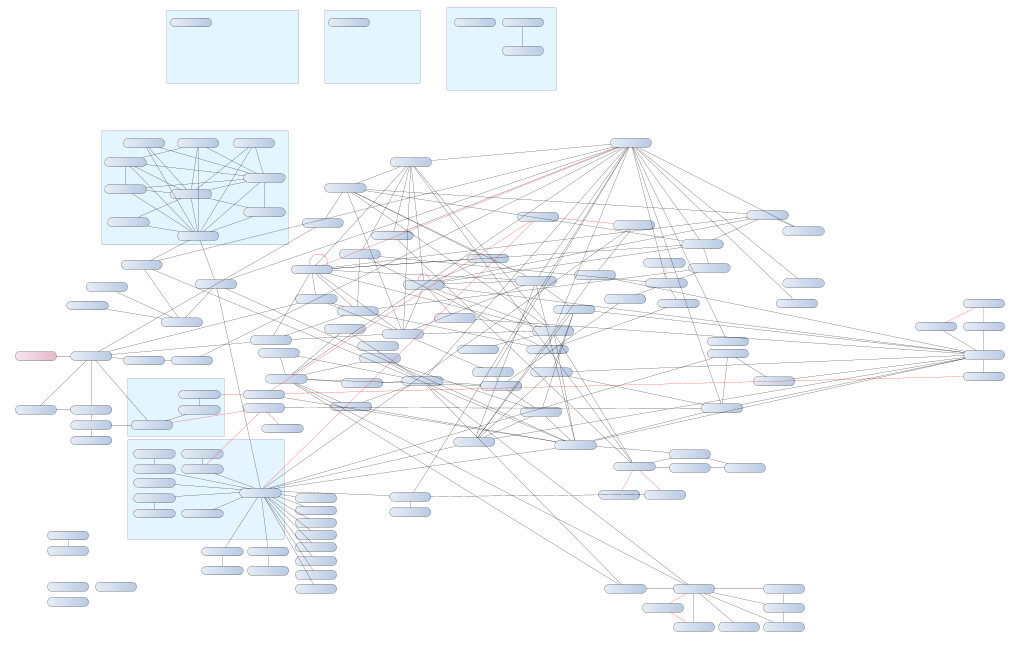
An unfinished graph of the dependencies (by luck, there is a list of the nodes giving access to an overview of the parents and children of the selected node)
Don’t lose your sanity on it, I lost mine, just run the compile script (you still need to adjust the repo:branch otherwise it takes synfig:master synfig:testing 1 by default).
Also, there is a wrapper to start Synfig, setting the environment in the AppImage.
Otherwise, it would not be fun!
This is because you binaries are compiled with the libs of your distro, with their paths on your distro and depending on its Glib/Glibc version. Everything is “hardwired” and that why when you make a ppa, you have to compile your .deb for every version of the distro that you want to support.
Also if you compile with CMake, you can produce a .deb (once again, for your distro)…
For my UNOFFICIAL versions, I intercept the git pull, apply some patches for the “branding”/warning in the MainWindow and About dialog, then it runs normally.
At the end, I post-process the v1 appimage to make a v2 AppImage, removing some garbage, duplicate files and I replace the splash which is produced by Synfig.
Packaging is a big topic!
1: Change your compilation repo:branch here:
https://github.com/morevnaproject/morevna-builds/blob/master/env-builder-data/build/script/packet/synfigstudio-master.sh
PK_DIRNAME=“synfig”
PK_URL=“https://github.com/synfig/$PK_DIRNAME.git”
PK_GIT_CHECKOUT=“origin/testing
PK_CPPFLAGS=”-std=c++11"
1 Like
Note: since yesterday, ETL has been removed from source code, a good thing!
3 Likes
I’m starting to document morevna-builds (Basic User at the moment)
This should be enough to start and build your own test versions from your repo:branch with your tag in the AppImage name 
If you have a bit of time and something like 10Gb available to follow the steps, I could see if the instructions are clear enough ^^
More to come!
1 Like