First of all, let me mention that one crash per hour is pretty much ok for Synfig. So I don’t see much reasons to treat your case as “more unstable than usual”.
Analysis of core file sent by you doesn’t gives me anything valuable. Without any additional information (i.e. steps to reproduce the problem) I cannot help you. Please try to track your activity and find the pattern triggering the crash, then report it to the bugtracker.
There is only one thing I can advice in such conditions: try to close the Navigator Panel - it might heavily increase the program stability.
I don’t have the navigator panel on. xD It’s useless to me.
I realize this isn’t “more unstable than usual”, but it certainly is annoying and wondered if my reports could help you find the instability if you’re looking for them. As for the patterns, if this narrows it down in any case as it’s not always definitive, most of these crashes spontaneously occur when I’m playing around with layers, usually when right-clicking on those layers. Not sure what other action it coincides with (I’m too focused with “drawing” things in my scene that I usually don’t pay attention to the tools; Synfig has become my “other limb”), but it certainly occurs with the layers – either clicking or right-clicking them.
Just wanted to inform. Crashes again mostly on right-clicking (often right after using the timeline OR panning/zooming the screen). The crashes seem to be all the more frequent now (that is, within every 2 to 5 mins)…
Seems to crash even with lower resolution on. I’m sticking to software render.
Okay, I’ll do so. Can’t read the recommended read yet, but I’ll do so when I can. Till then, I’ll launch a bug-report because the crashes seem to be even more frequent than the previous releases…
I’m kinda late to the thread, but I just wanted to say that you are doing a great job on an important project, Synfig being the best open source animation software out there.
That said, I would be thrilled if there was a new fundraising campaign. This is a project I would actually like to fund.
Ah, I wonder how I didn’t notice this? It’s featured quite prominently on the frontpage of synfigs website. Maybe you guys should feature it on the forum more prominently too, or maybe I’m just not the most perceptive fellow…
Not sure if this is right thread to ask the query . But being new to Synfig . I was about to install it on my Windows 7 OS.
I need some animations for one of my client .
On the download page (fosshub.com/Synfig.html) I can see 64 bit and 32 bit Windows platform installer . Can you recommend which one should i install and try out . Although i am going through all documentation but though instant reply can help me out .
But with all respect, let me say: In my opinion, you are risking too much (your professional rating) in doing an animation for a client with a software that you almost know… or perhaps there are other factors We don’t know.
If your machine is relatively new (say form 2 or 3 years ago),surelly it has a system that support 64bits version. So it’s better to install 64bits version of synfig. The last one is synfig 1.0.2.
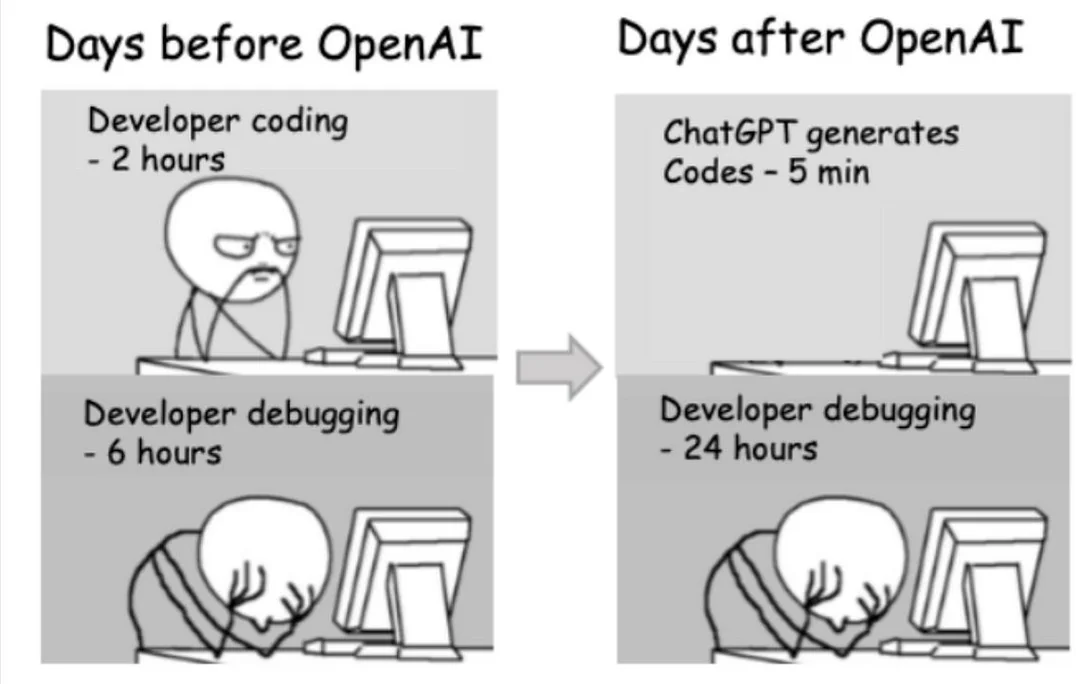
Well, I only know English language and I know nothing about code but could Chatgpt help? I am amazed with what you get with 20 dollars a month. It is helping me learn Japanese and helping my husband learn code. Just something to think about maybe it can help you be faster
I’m not sure if it’s true, but why would internet ever lie to me, but I heard someone created virus posting it as library. Then started asking AI to write code using this virus library that it became default solution for AI, so when somebody else would ask AI then it would use that virus
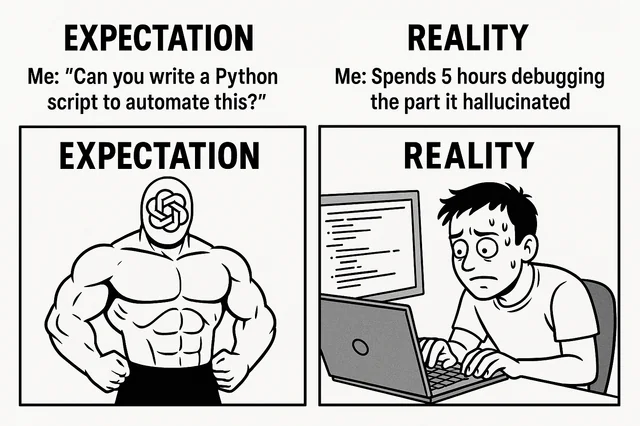
AI is is useful to build a skeleton of trivial code, instead of typing everything.
And LLMs produce code according what they already found online during their training, adapting it a bit from the context.
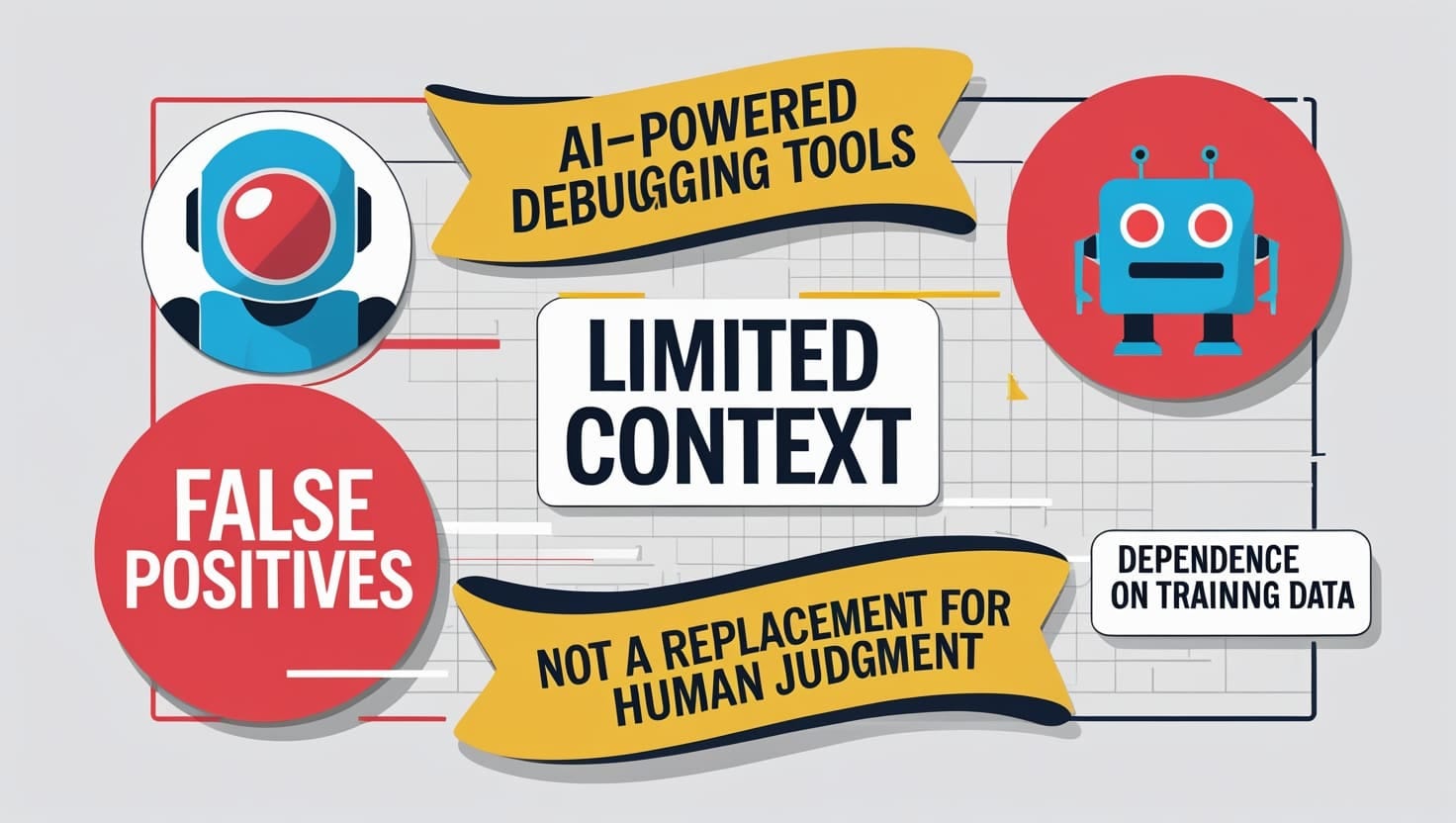
It doesn’t do software architecture design, it doesn’t understand the implications nor side-effects nor dangers, and it has a limited context window to understand the existing source code.
It is doing more or less rip off code in open repositories and sites like StackOverflow.
I’m sometimes using Gemini for basic (trivial) scripts to avoid to type them during 30 minutes when they can be produced in seconds, but it is code with no “added value”.
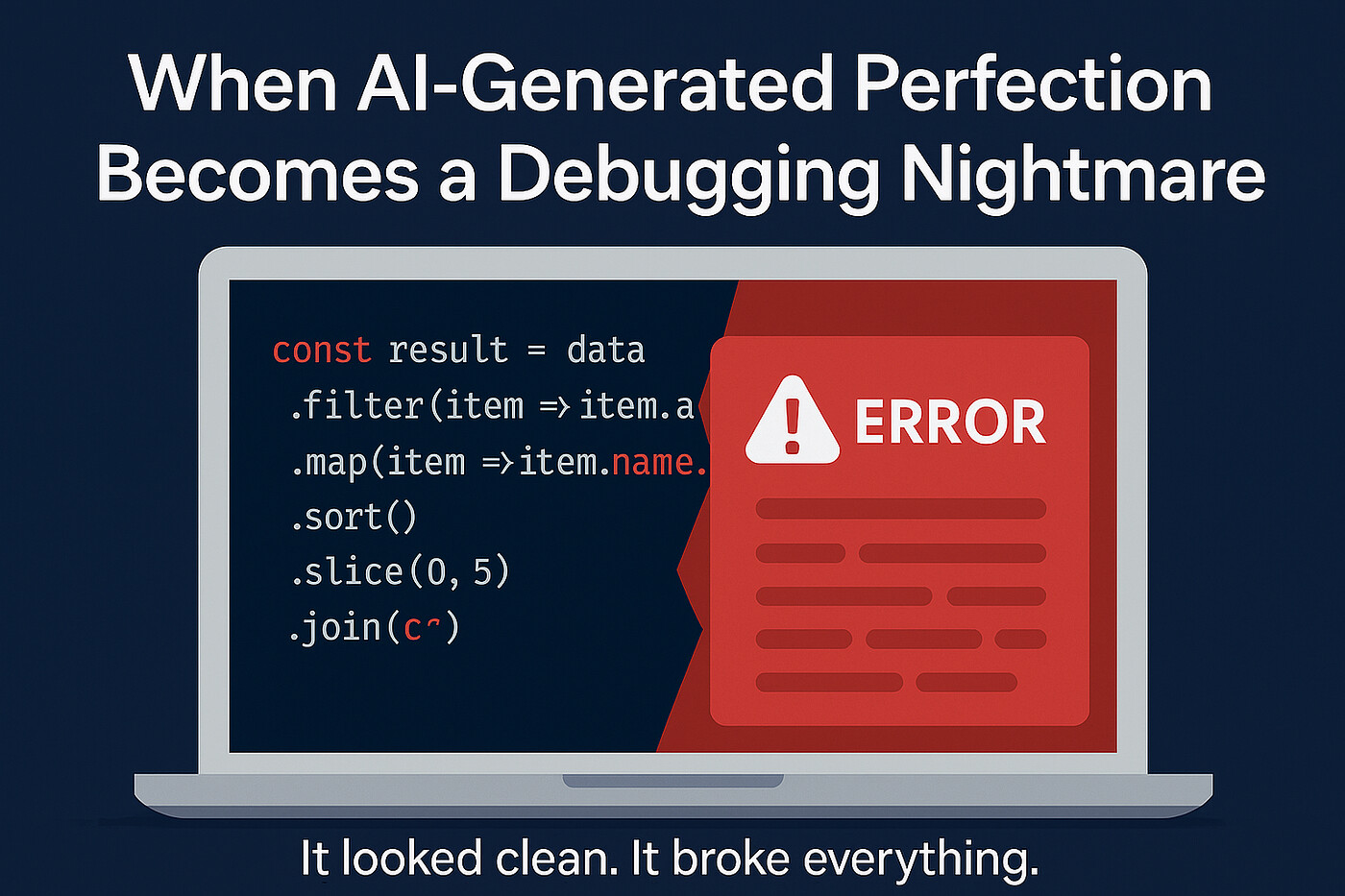
The problem is the blind trust: you always have to review this code.
And between 2 prompts for little modifications, the whole code can be modified and you have to review it again.
Also most of software components are now online and automatically downloaded in repositories like npm, maven etc
Sometimes it is not even this code which is malicious but the install scripts (who can even have access to administrative rights in this occasion)
Now hackers will not have to produce malwares anymore, simply using prompts which will take advantage of the so called “AI agents” on user’s computer to open backdoors.
Malwares had to be developped, AI will produce them dynamically.


 I’m sticking to software render.