Hi everyone , my name is Menna Jaheen. I’m a 4th year computer science student and I’m excited to be here and apply for GSoC 26. Currently I’m trying to make my first PR with this issue and I need some help:
What I found:
When a canvas is cloned during paste, canvas.cpp line 989 copies the parent_ pointer to File1’s root canvas. When File1 closes and destroys its canvas, parent_ becomes a dangling pointer. Any interaction with the pasted layer then dereferences dead memory leading to a crash.
The crash happens in layertreestore.cpp line 242 where get_parent_paste_canvas_layer() returns nullptr (because the parent canvas is gone) and the result is used without a null check.
Question:
What is the correct way to update parent_ when a canvas is adopted by a new file after paste? set_parent() is private so we can’t call it from import_external_canvas() in instance.cpp. Should we add a public method, or is there a different approach entirely?
Thanks
1 Like
For the context
Describe the bug
I created two elements, a circle and a square, and grouped the circle’s region and stroke before exporting the canvas. Then, I opened a new file, pasted both the rectangle and the exported circle group into it, and closed the old file. However, when I attempt to edit the circle in the new file, Synfig crashes.
Expected behavior
Pasted elements should be independent from the original file and Synfig shouldn’t crash.
Even though Synfig shouldn’t crash, there are concepts of Synfig that have not been taken into account during the declaration of the Issue.
Imports are linking between files, there are UID to identify everything.
There shouldn’t be a copy-paste between the 2 files/tabs as they are interdependant (refs to UIDs) and the imported file should be edited independantely, in another tab.
That’s why it relies on the other root canvas, it is not supposed to be done like this.
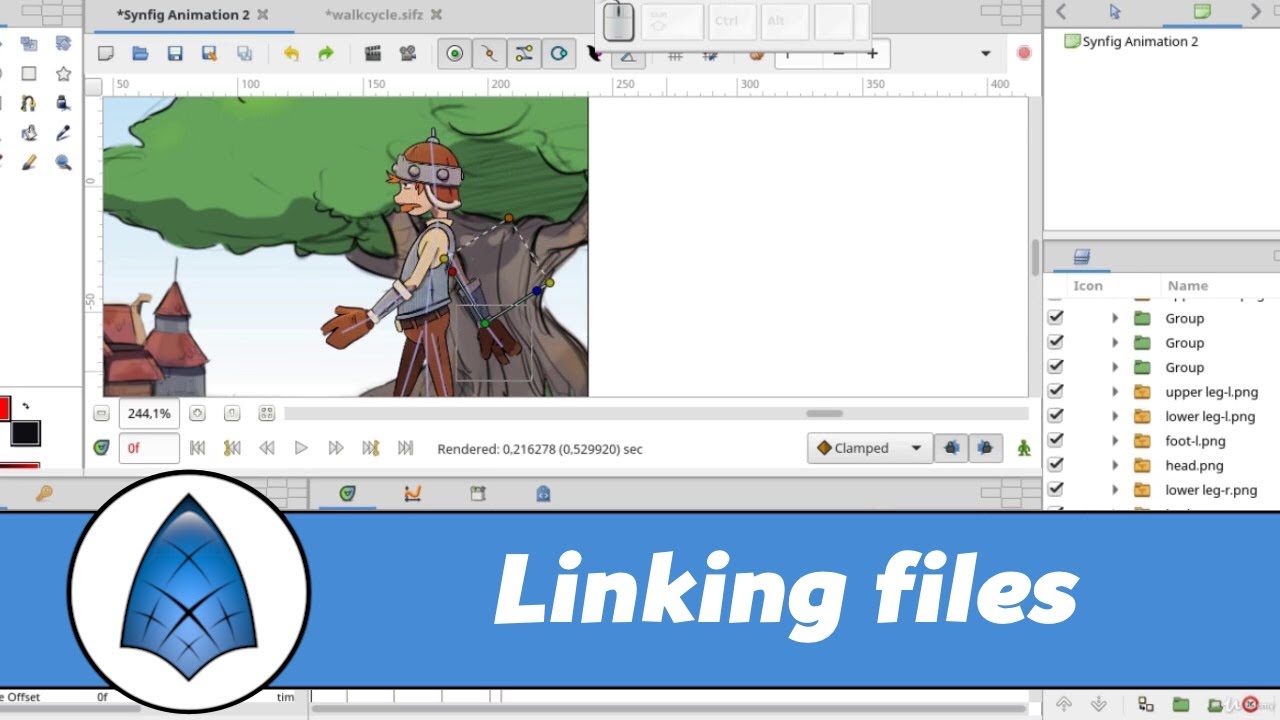
See the following video for the concept
But it could be changed.
At least to give a warning that doing a copy-paste like this would break the import/linking of files.
1 Like
yeah I made a PR on that I’d be happy if you check it out
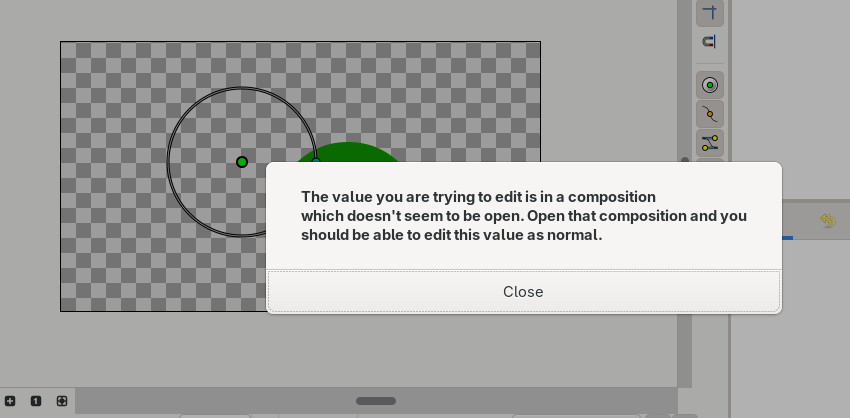
After the fix i made, this dialog appears when I try to interact with the layer but it doesn’t crash like before, is this dialog a correct behavior ?
Yes.
It is “detecting” that it originates from another file/canvas as in an import/linking mechanism.
Now the question is to know whether the “illegally” pasted layers are physically inside the .sif with the reference to the original canvas.
They shouldn’t unless we “detach” them.
I suggest that we offer to detach them from the original canvas during the pasting in another tab, with a warning for breaking imports/linking and associate them to the destination canvas.
Note that it is also one of the reasons why copy/paste of bones/skeletons are always buggy.
@ice0, @KonstantinDmitriev, @rodolforg
1 Like
I already detached the pasted layers from the original Canvas by setting their parent_ pointer to nullptr, doesn’t that mean they’re associated with the destination canvas now ? or is there something additional I should do ?
@BobSynfig Check out the new changes I made here