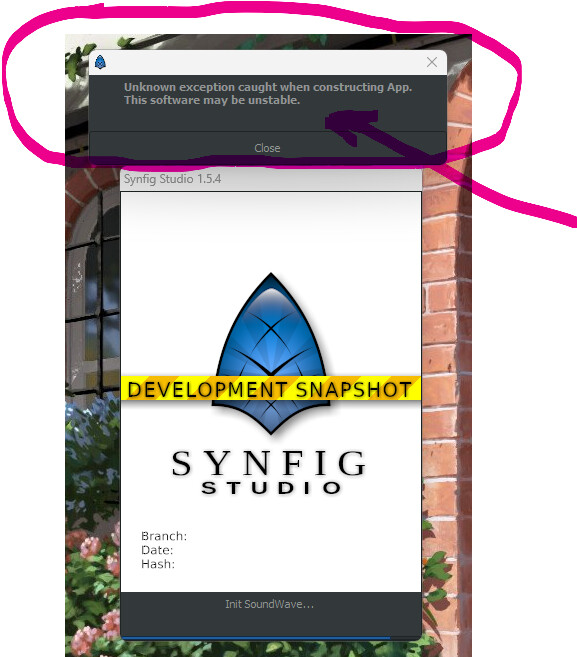
I get the following error when i try to run the latest development version, and so I’m unable to open it on Windows. Also, the private link to download anonymously is dead: Synfig download latest version
1 Like
Ouch!
Where did you get the app then? From Github?
Are you able to launch it from prompt/terminal/console? Maybe another hidden error/warning message is emitted there and could help me to find this bug.
I got the app from GitHub and also through Gumroad. On Gumroad the other options seem to work, but not the private link.
Anything in the console window for debug info?
I just tried both .zip and .exe install versions in Bottles under Ubuntu, they run fine, it is probably something with your config.
Try to remove your config folder (backup first!) and check also with the portable version.
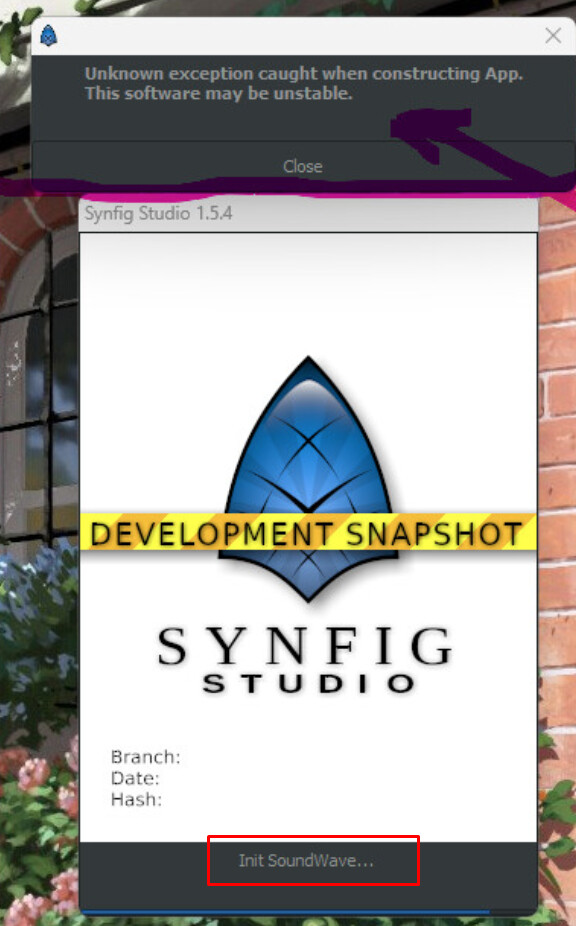
Yep, that was the first one i tried. I get the same error
I tried and getting the same error  and remember i’m using windows 11
This morning I returned to my Windows 11 session to do the test (Look What You Made Me Do like would say Taylor Swift)
And both portable and setup version where working fine.
There was only the white window looking like a freeze at the first start (for the font caching I guess)
 So It opens when I use the windows batch file in the portable version, but when i click the executable, I get the error…
  , weird….. “look what you made me do”
The .bat points to the config files in the config sub-folder of the portable installation …
Instead of taking the ones that are in your user profile from Windows.
Plus, it defines the portable installation folder as current/base folder for synfig, and the .exe is called from here.
Note that you could even have several configs just by creating other config folder and adapt the .bat
1 Like