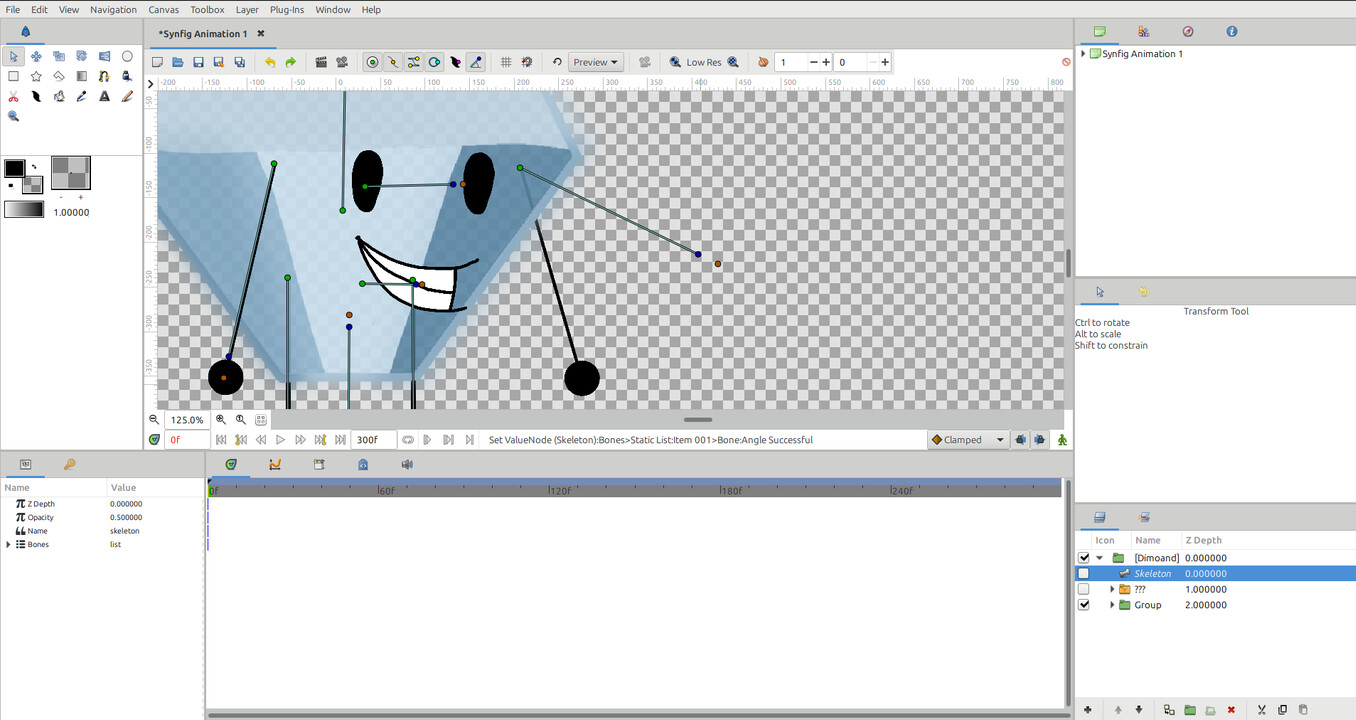
So every time I import a project and then use the embed layer button, all the bones unlink. I know I can just re-link it but is there a faster way to import a character project without linking to the original file that doesn’t involve re-linking all the cutouts of my character?
I don’t have solution, I can just provide more information on the issue
Layers are still connected to bones, but to the original file you imported. If you move bones in OG file you will see that imported layers also move. Additionally imported layers have different names, originally you could have name “Bone 01” while after importing name will be changed to something like “Bone 01 (5)”. Changing name by removing parenthesis does not help, layers are still linked to OG file.
I tried importing and embedding, I tried copying and pasting, I tried copying then cutting out copy and pasting. None of this works, I love bones but they’re f**ked up