swimmer.sifz (58.8 KB)
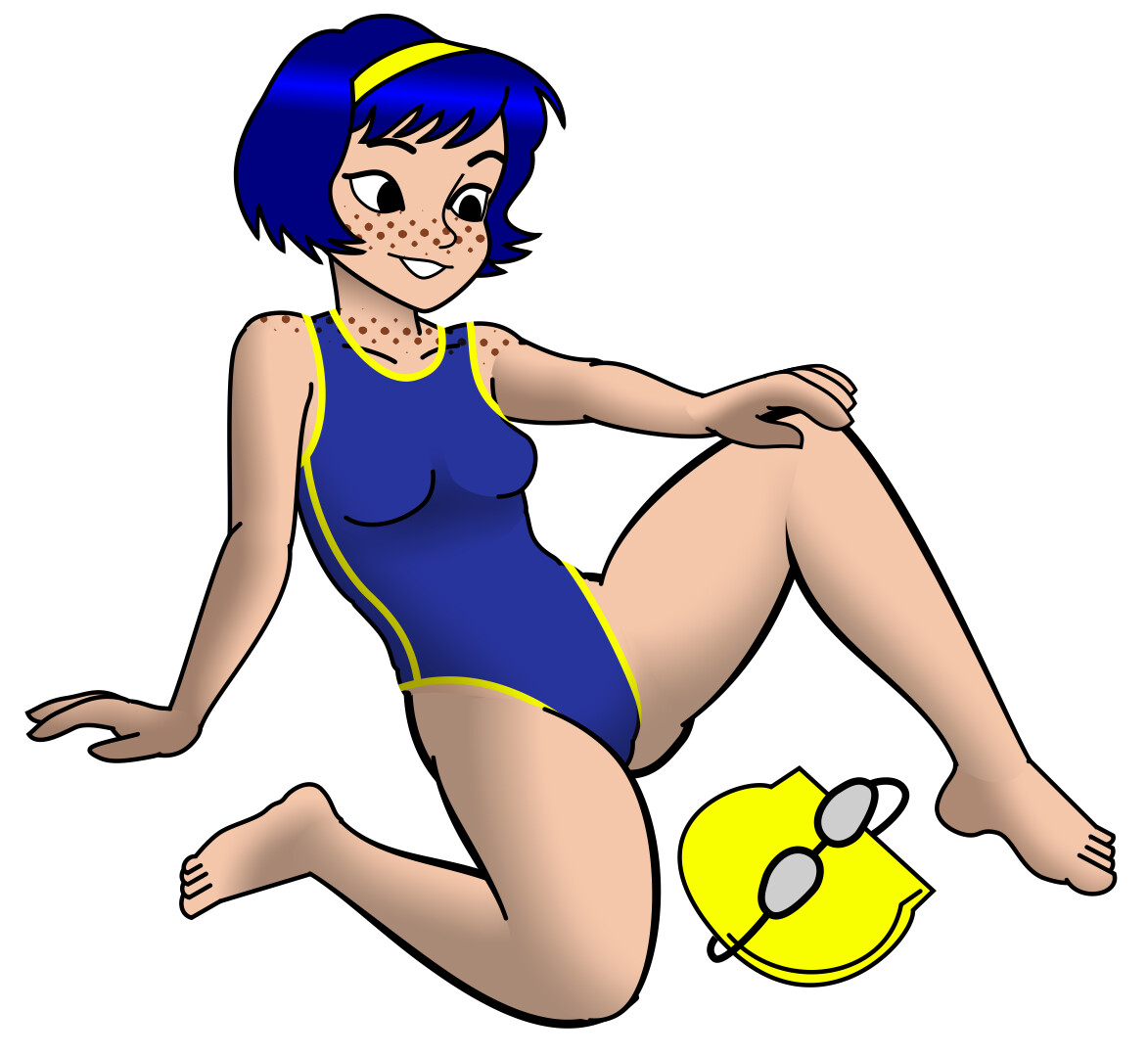
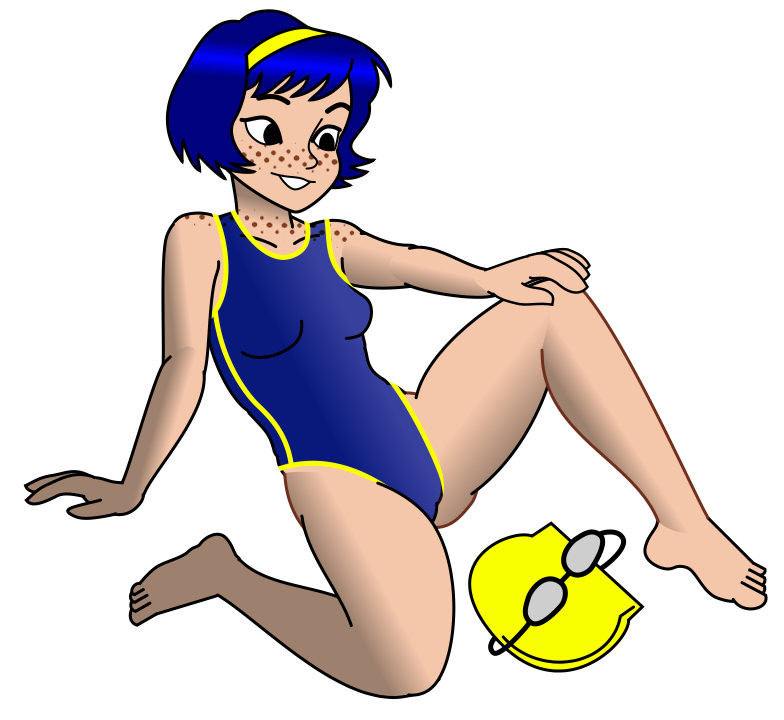
each limb is a simple 4 or 6 vertex shape. I used the widthvertex property very carefully to make lines stop and start exactly where needed. The shadows are made with gradient, and multiply blending within a limb group.
swimmer.sifz (58.8 KB)
each limb is a simple 4 or 6 vertex shape. I used the widthvertex property very carefully to make lines stop and start exactly where needed. The shadows are made with gradient, and multiply blending within a limb group.
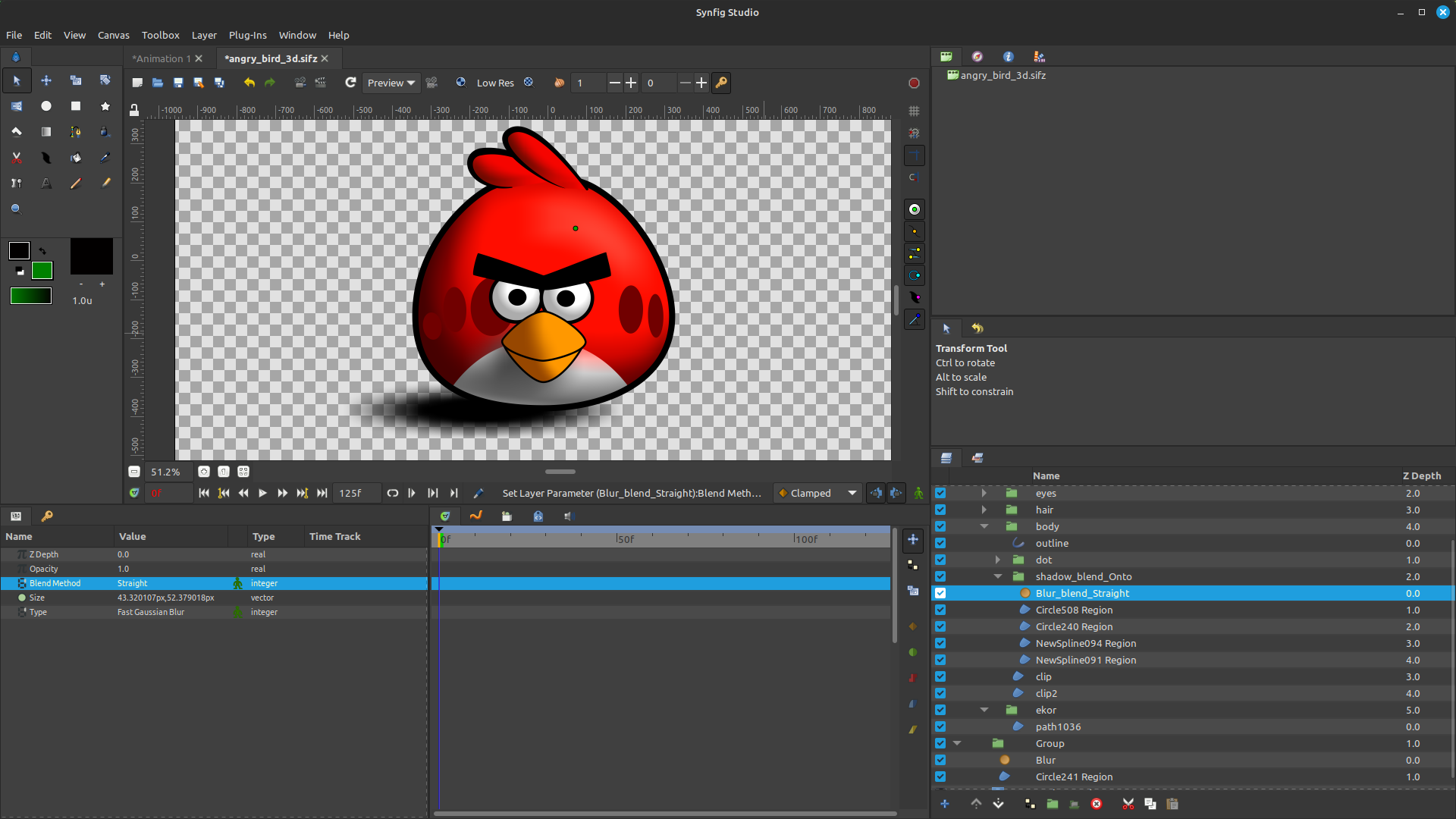
As an alternative, I usually use Blur together with different Blend Methods, similar to the workflow in Inkscape.
I will try it. My shading looks a little discontinuous
For the red angry bird: did you make a bright smaller red ellipse with a black background, then blurred, and clip it with the outline?
I put the Outline Layer at the top. In the middle, I create a Group containing the Blur Layer and an ellipse for the shadow. The Clip Layer is placed at the bottom.
For the Group, I use the Onto Blend Method, while the effect/blur layer uses Straight.
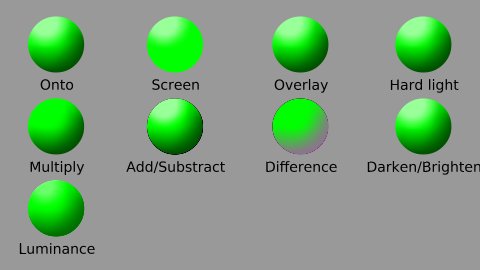
From my testing blend methods don’t vary that much honestly, Luminance creates not as strong light/shadow and I guess Difference could work if you had really bright or dark object
I was expecting the “onto” would be grayscale. Is the base color gray?
Green ball is base and on top of it I put white and black shading with different blend methods
lighting.sifz (5.3 KB)