alarmclock.sifz (19.0 KB)
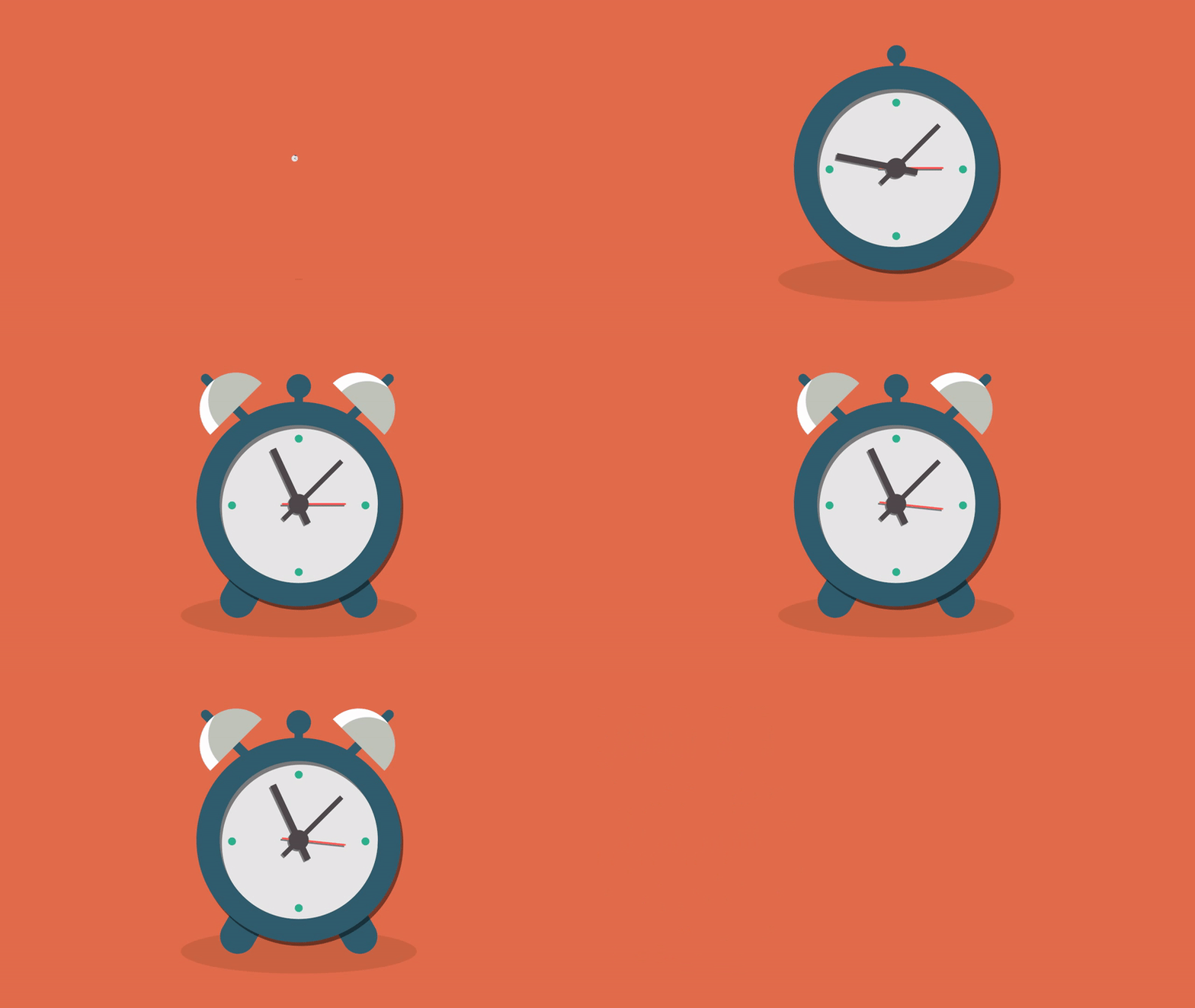
Original Creator: Alarm Clock [GIF] by Daan De Deckere on Dribbble
27th animation of 100 animations
Didn’t knew about shade layer till now  , learnt about it today !
One trick for smaller shadows:
1.Create a filter group layer
2.Add a solid color into the filter group layer, set it’s(Solid Color’s) blend method to “Straight Onto”
(Change it’s color to black or whatever you want the shadow to be)
3.Set the blend method of filter group layer to behind
(Reduce the opacity of filter group layer according you needs, ex-0.75)
4.You can scale the filter group layer and the shadow will scale according to your needs