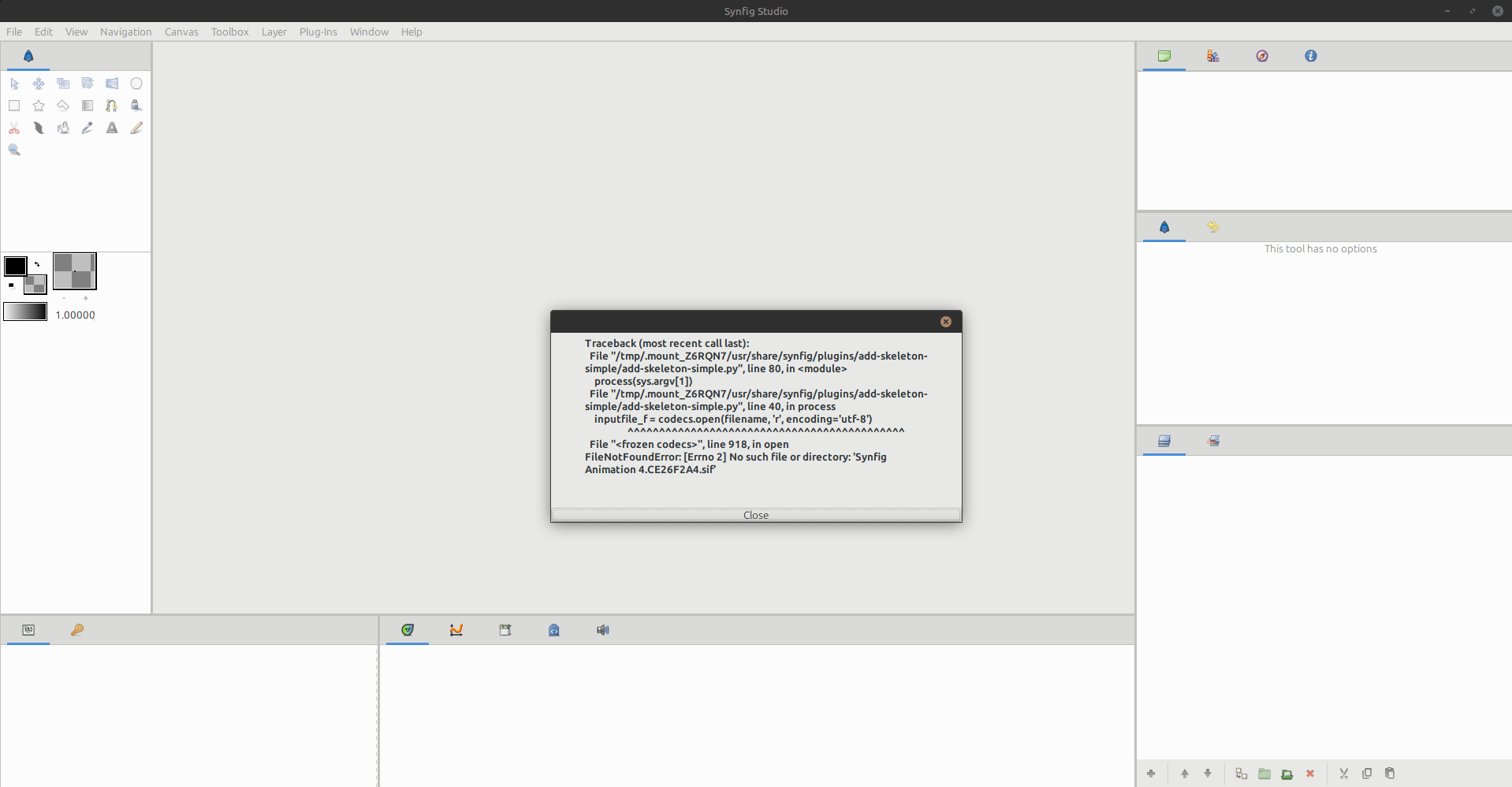
I don’t recall what version(s) has(have) this issue, but the workaround was to save first, then run the plugin.
All the details here: Plugins — Synfig User Manual 1.5.1 documentation
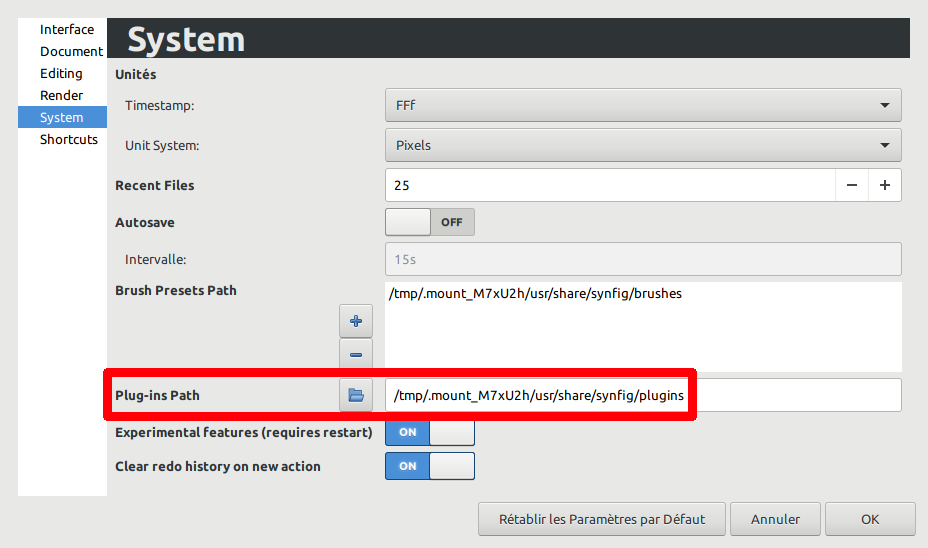
Also note that depending on how you run Synfig Appimage (integrated or on-the-fly), you can have so also look in /tmp/.mount_xxxxxx as seen on the screenshot

Ty this worked for this worked perfectly for me but I just want to figure how to install plugins.
You should place the files plugin.xml and whatever named python file (example: main.py) in a folder inside your local data files for apps.
You are a Linux user, so place them in /home/USERNAME/.config/synfig/plugins/FOLDERNAME-FOR-ORGANIZATION/.