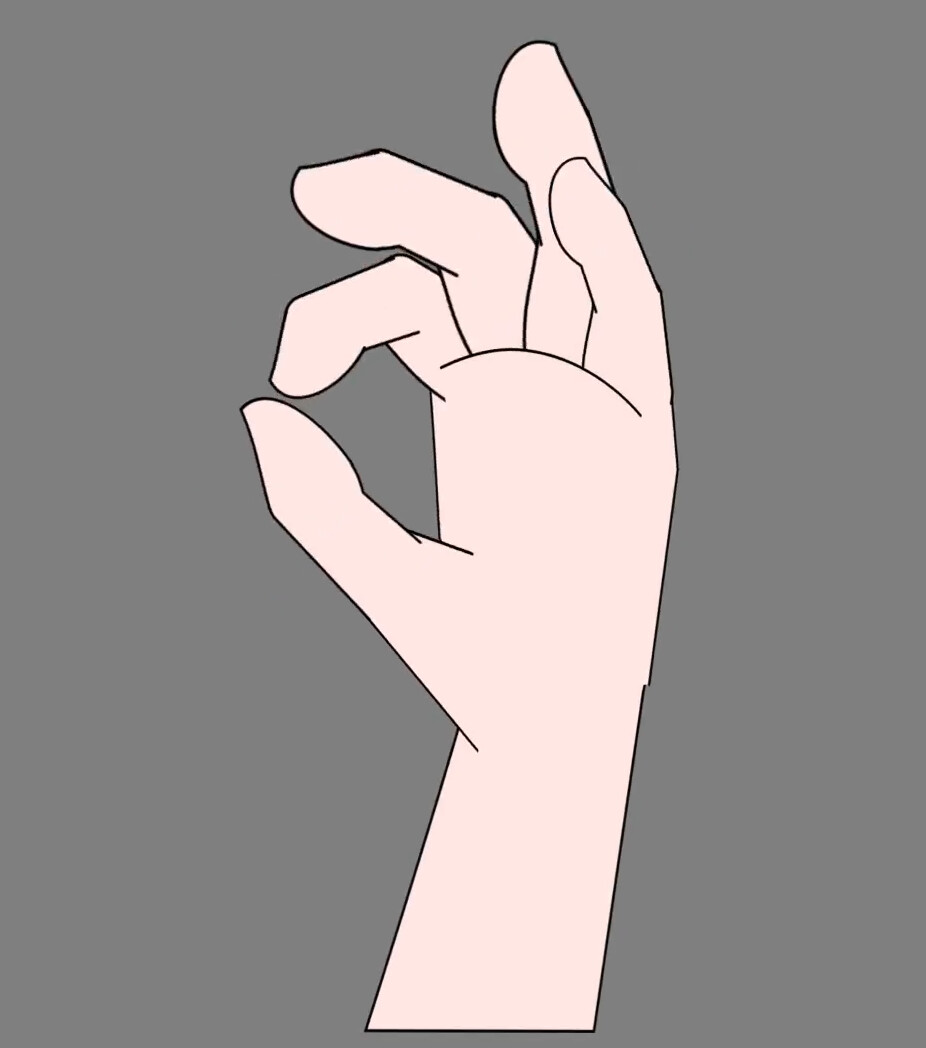
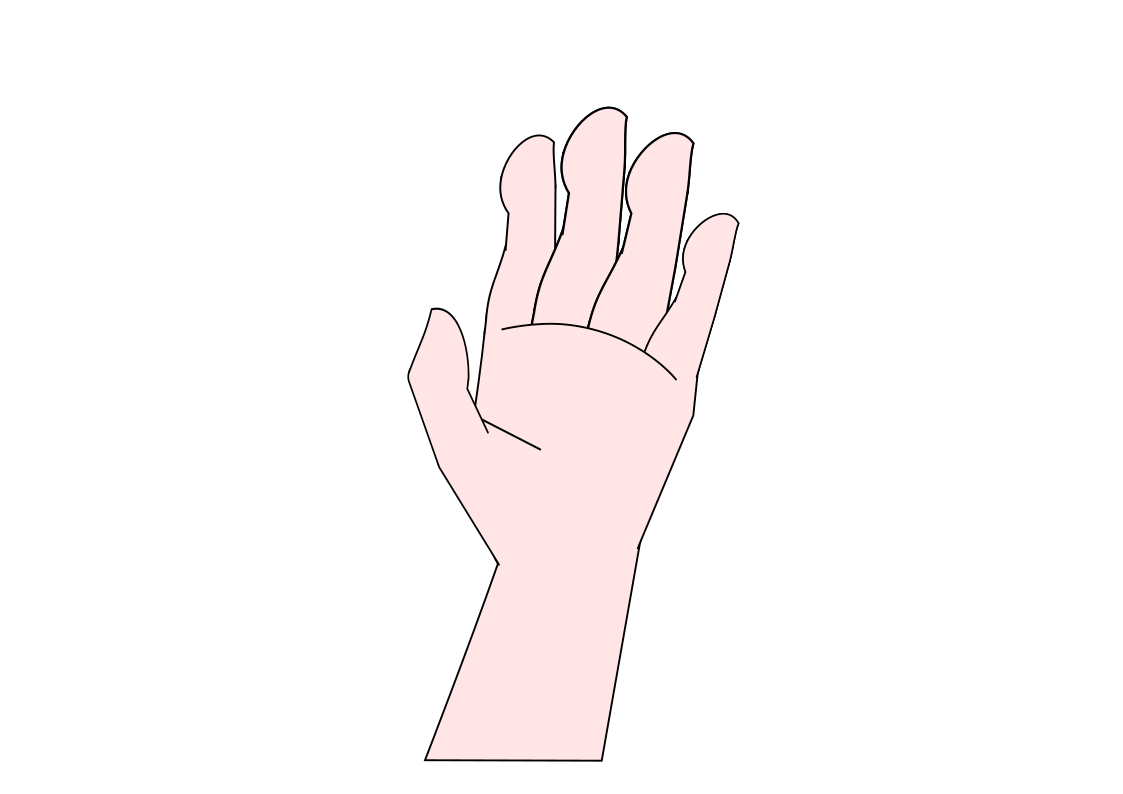
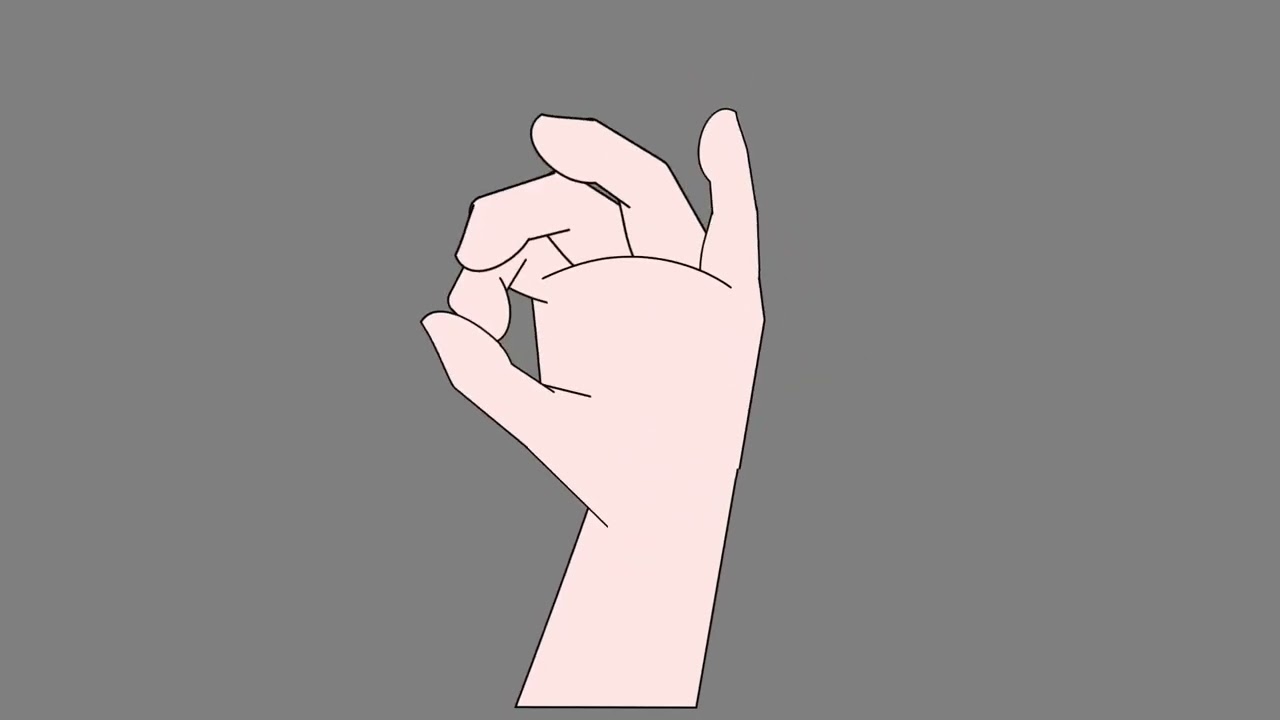
I made hand in Inkscape, in 3/4 perspective. Then I imported it in Synfig, attached it to a bone hand skeleton.
I made formulas so that only the lower phalanx needs to be moved, and the others follow, making a curve. I added a “foreshortening” effect on the palm, with additional formulas, so the fingers follow the hand perspective.
I animated the fingers, from 0 to 90 degrees, and back, over 5 seconds. Then I added a time shift to each finger, to make it look artistic 
You are welcome to explore this sifz, svg and set of png files and derive other animations (I would like to see them).
partes_png.zip (132.2 KB)
mano articulada 5.sifz (6.9 KB)
3 Likes
Nice job, for design, rigging and 3D effect!
To make it more realistic, think about the fact that 4th finger is connected to 3rd and 5th, therefore they can’t move so independentely (if you play the piano, you know what I mean ^^)
https://www.imaios.com/en/e-anatomy/membre-superieur/miembro-superior
1 Like
Thank you 
Yes, the “ring” and pinky finger can’t move so independently, but they have their own definite control, specially the pinky, which is used for many hand gestures. Maybe a “spread out fingers” control could be next.
Here are more production details:
Inkscape:
- Draw each part of the hand, but did not repeat the middle, ring, pinky fingers, because they are the same parts as the index.
- Draw circles and centerpoints in layers that can be hidden.
- Extend each part of the joints, guided by the circles, to cover all the gaps that would be created on joint flexion.
- Export every part as PNG, and one complete hand, with rotation center markers, for the Synfig bones.
Synfig:
- Import all the PNGs, make 3 extra copies of the index finger.
- Create hand bones with help from the rotation markers.
- Place all the parts in the correct places.
- Link hand parts with the bones.
- Make a formula for each phalanx bone rotation, as a linear function of the angle of the first phalanx.
- Make formulas for the bone origin of each finger, to follow the width of the palm. This helps create 3D “shortening” and finger parallax effect.
- The linear formulas were implemented with the “Convert to Composite”, “Export to Library”, “Convert to Add(ition)”, “Convert to Scale” and “Connect” features. The linear formulas were figured out manually, after writing down values from “neutral” and “extreme” desired outcomes.
Be aware of these problems:
- You can modify the PNGs after animating them in Synfig. However, if the PNG changes size, Synfig will move them a little bit making them not aligned with the bone. Fix all those misalignments very carefully.
- Check if you still have the linear formulas still in place. You may or may not need to correct the linear offset.
1 Like
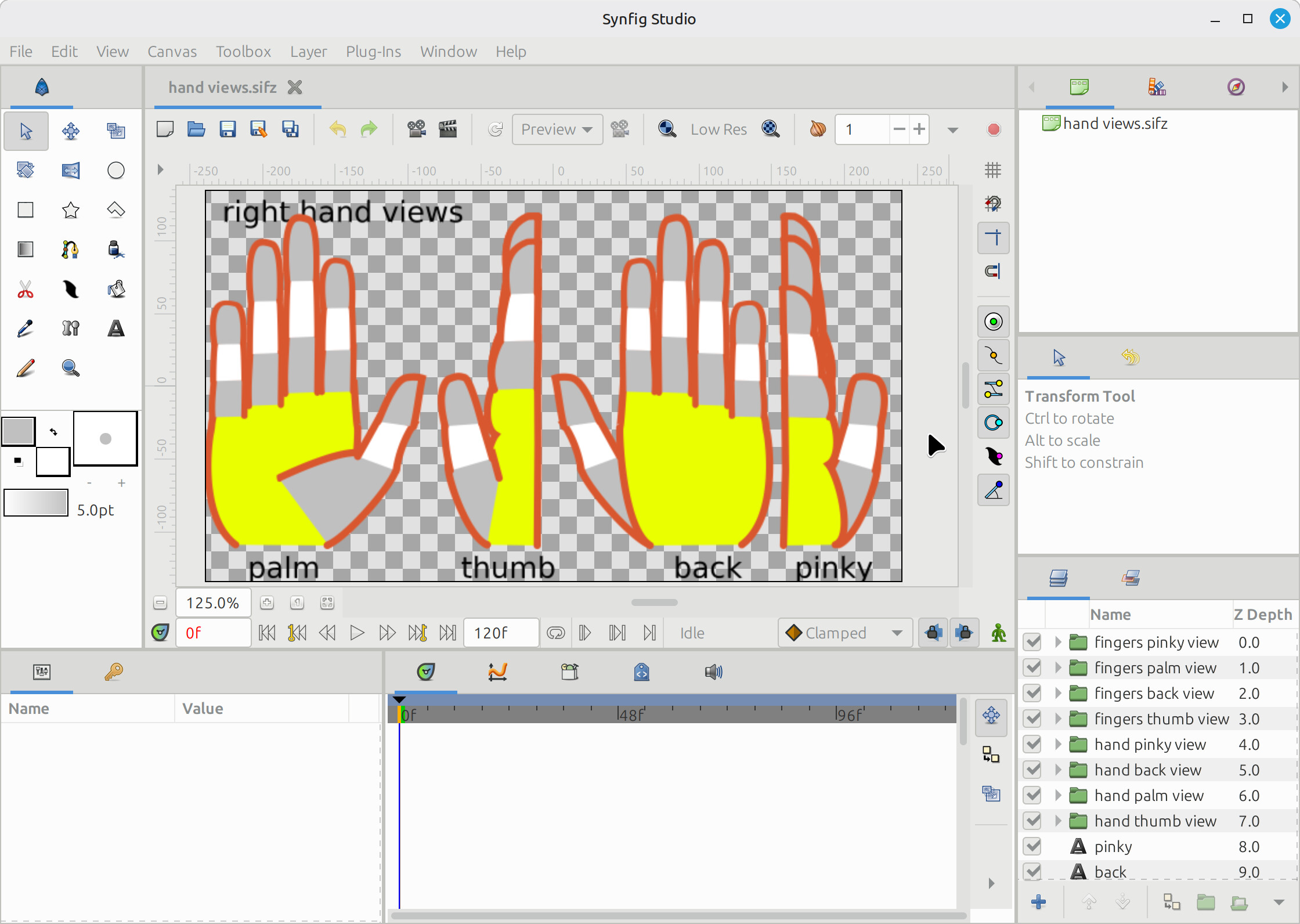
hand views.sifz (40.3 KB)
I am redoing this project with joysticks, joystick-controlled interpolation, selectable quadrant view, and no Inkscape or PNGs, just Synfig. More progress soon!
1 Like