Content of the external file
Please, always provide the required information instead of a link which may break in the future, letting us without the context.
This is a forum, other users may have the same issue in the future.
I am having a problem saving synfig work to the my documents folder on my PC. On File - > save as
I have searched the forum but there is nothing to help
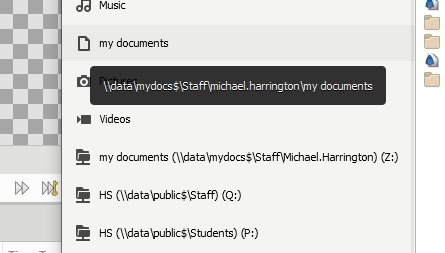
There are 2 my documents folders which appear to be the same but it erros when I save to the first - short my documents folderThis is a big problem teaching young students - they cannot save their work, no matter how often I tell them to use the other longer my documents folder!
I cannot find help on the net. There is no talk of an INI file or setup that I can find
Is there anything I/you can do? What is wrong?
It needs to be as easy and simple as possible for young students to be able to use Synfig!
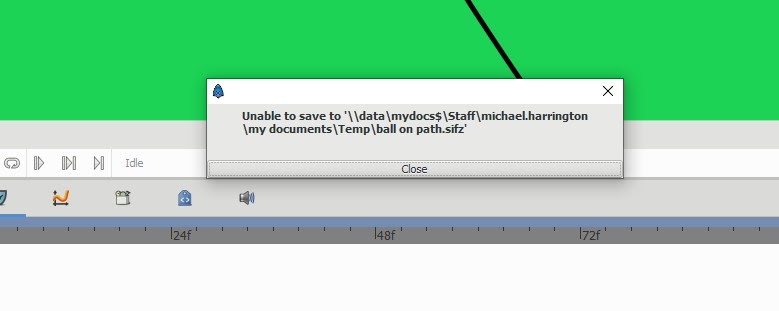
See the screenshots below for the error
It is exactly the same folder but I get this error when I use the short mydocumnets folder icon!!
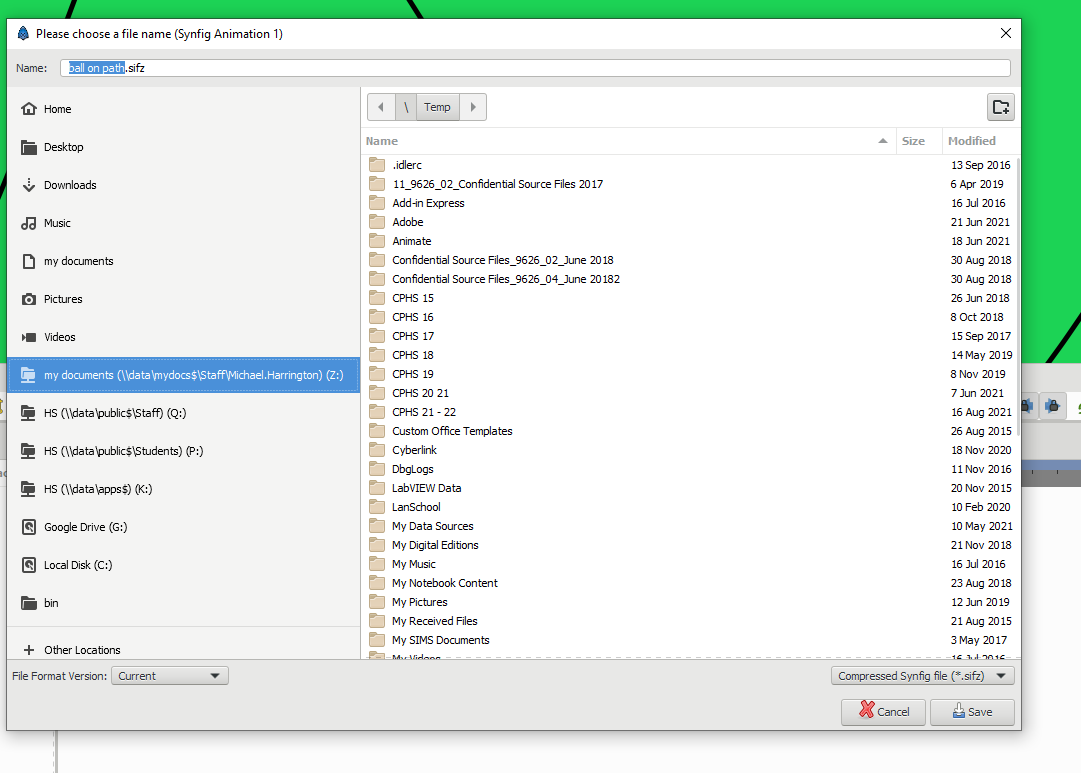
No error when Saving to this my documents folder - the longer one!
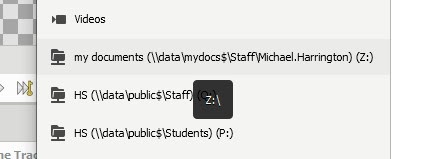
The shorter my documents folder shortcut will not save
Both long and short my documents have exactly the same view in the explorer save as window
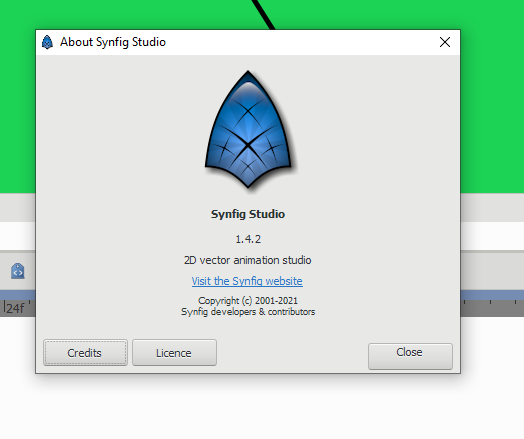
I am working on a On windows 10 - 64 bit laptop