# Rendering PNG\_spritesheet crashes
**URL:** https://forums.synfig.org/t/rendering-png-spritesheet-crashes/11226
**Category:** Support
**Tags:** png, spritesheet, crash
**Created:** [July 25, 2020, 1:45am UTC](https://forums.synfig.org/t/rendering-png-spritesheet-crashes/11226 "2020-07-25T01:45:57Z")
**Posts on this page:** 3
**Page:** 1
### Author:  [@blenderbreath](https://forums.synfig.org/u/blenderbreath)
#### Post date: [July 25, 2020, 1:45am UTC](https://forums.synfig.org/t/rendering-png-spritesheet-crashes/11226/1 "2020-07-25T01:45:57Z")
Hi forum.
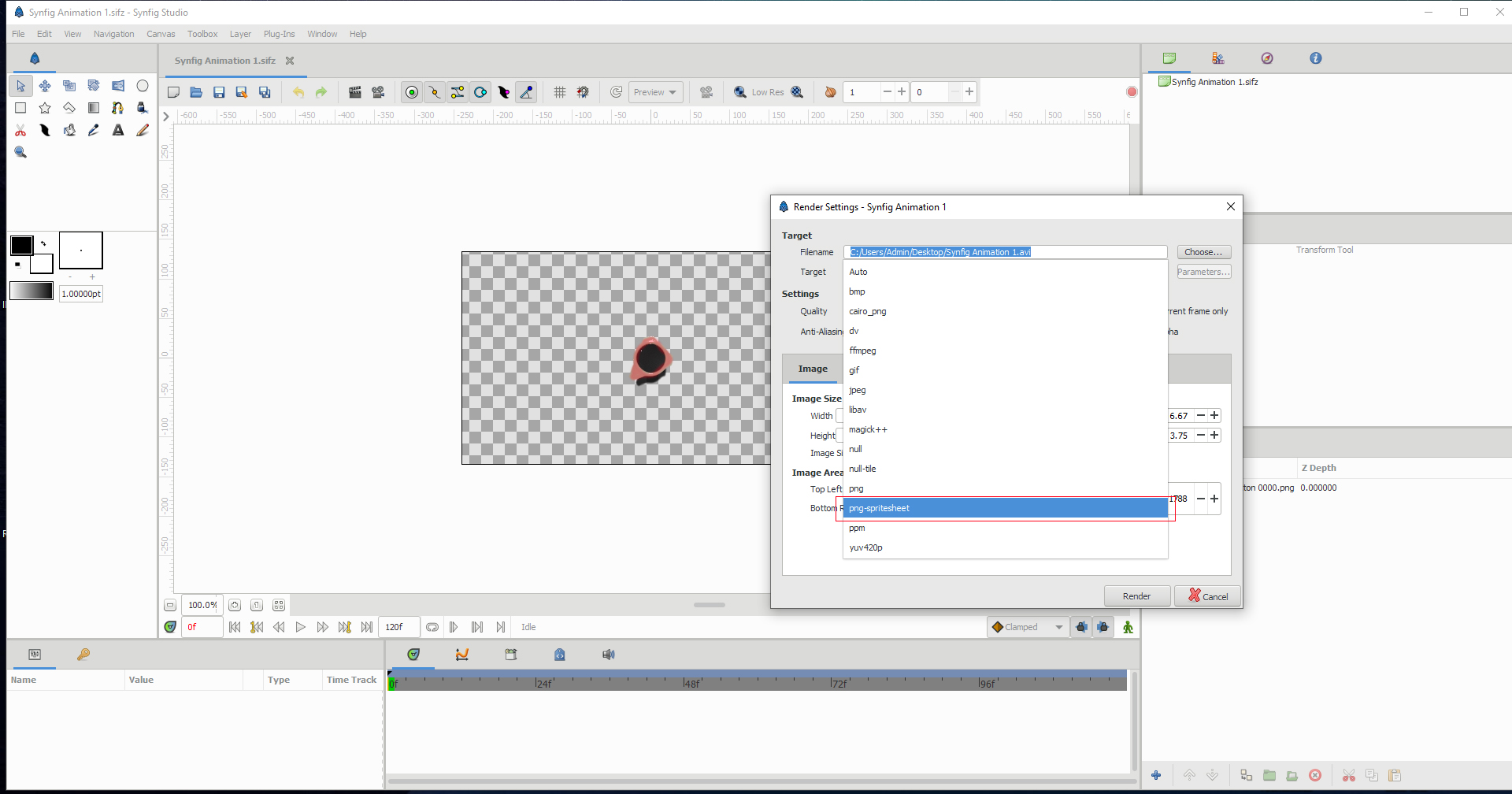
I’ve imported my PNG sequence, which is 128 frames. Now I want to export it as a PNG\_spritesheet, but
when I choose the option and click on render. Skyfig crashes! Some other setting I need to tweak?
Thank you.
---
### Author:  [@rodolforg](https://forums.synfig.org/u/rodolforg)
#### Post date: [July 25, 2020, 3:25am UTC](https://forums.synfig.org/t/rendering-png-spritesheet-crashes/11226/2 "2020-07-25T03:25:34Z")
Maybe the final image would be too large.
Please set correct dimensions and number of frames of canvas before trying to render.
In the next development version, it wouldn’t crash (and report in task report area).
---
### Author:  [@blenderbreath](https://forums.synfig.org/u/blenderbreath)
#### Post date: [July 25, 2020, 4:47am UTC](https://forums.synfig.org/t/rendering-png-spritesheet-crashes/11226/3 "2020-07-25T04:47:56Z")
Thanks for your reply.
I bumped into some issues, hoping you can clarify them for me.
1. On the first image is my exported PNG sequence, which is cropped to size. 60 x 60 px.
So I made the canvas size in Synfig 60 x 60. But when I import the sequence, they are really scaled down as image size.
2. The second image is when I import the sequence using the native synfig canvas size, and it retains the original size of my knob controls.
3. I did try the PNG spritesheet render (rendering out those tiny knob controls as a test), but my animation is horizontal not vertical strip which I need it to be.
Kind regards.
