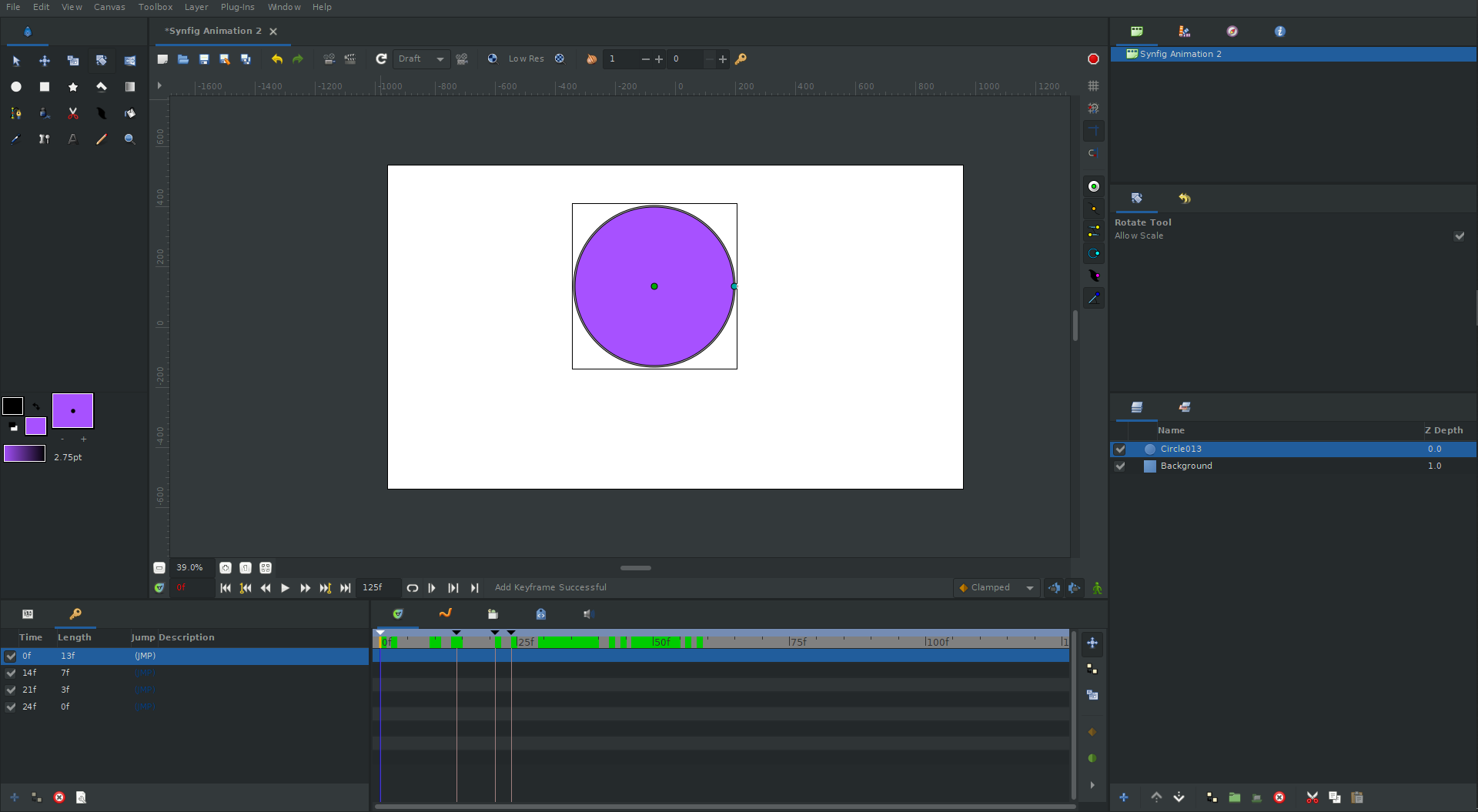
Keyframes not appearing in Timeline

Hi, I think in my Timeline I should be able to see diamond keyframes but none are appearing. Is there a reason for this and can it be fixed please?

Currently using V1.5.5

my bad - very new here! I see I had to activate the little green guy :slight_smile:

1 Like

Just for info:

  • The Keyframes are visible on the Timeline as black triangles pointing towards bottom
  • The diamond “keyframes” are Waypoints (with clamped interpolation in that case) and they are variations of value between 2 keyframes
  • Moving Keyframes constricts or expands the distance between 2 Waypoints proportionally but the general animation appears the same, only faster ou slower accordingly
  • Animate only in Animation Mode. If you move something out of Animation Mode, then it become a new initial/final state, keeping the variations made by Waypoint relative to these states.
    Move something with:
    → Animation mode: animate a character (move a component)
    → No Animation mode: move the position of the whole character on the canvas, keeping the animation
1 Like