# Any good way to export a single video with alpha/transparency?
**URL:** https://forums.synfig.org/t/any-good-way-to-export-a-single-video-with-alpha-transparency/12978
**Category:** Synfig related help
**Created:** [February 13, 2022, 9:06pm UTC](https://forums.synfig.org/t/any-good-way-to-export-a-single-video-with-alpha-transparency/12978 "2022-02-13T21:06:36Z")
**Posts on this page:** 5
**Page:** 1
### Author:  [@aengus126](https://forums.synfig.org/u/aengus126)
#### Post date: [February 13, 2022, 9:06pm UTC](https://forums.synfig.org/t/any-good-way-to-export-a-single-video-with-alpha-transparency/12978/1 "2022-02-13T21:06:37Z")
I’ve been messing around with Synfig for a bit and I’ve made myself an animation. when rendering and exporting it with the default settings, I am left with a gray background, which won’t go well with the video that I am making. I tried to [[render as a PNG sequence and then use blender to put it together](https://forums.synfig.org/t/transparent-background-for-videos/11381), but that just doesn’t seem like a good workflow. I also tried enabling “extract alpha” but that leaves me with two videos which is inconvenient, especially since I don’t know how to use a transparency mask in my video editor (VSDC). If anybody can help me with this, that would be appreciated.
---
### Author:  [@Khemardi](https://forums.synfig.org/u/Khemardi)
#### Post date: [February 14, 2022, 9:18pm UTC](https://forums.synfig.org/t/any-good-way-to-export-a-single-video-with-alpha-transparency/12978/2 "2022-02-14T21:18:51Z")
You’re stuck with exporting as PNGs for now as there’s currently no option for video with ALPHA
---
### Author:  [@rodolforg](https://forums.synfig.org/u/rodolforg)
#### Post date: [February 14, 2022, 10:52pm UTC](https://forums.synfig.org/t/any-good-way-to-export-a-single-video-with-alpha-transparency/12978/3 "2022-02-14T22:52:08Z")
What (free/open) video codecs do support video with transparency?
---
### Author:  [@hellocatfood](https://forums.synfig.org/u/hellocatfood)
#### Post date: [February 15, 2022, 10:23am UTC](https://forums.synfig.org/t/any-good-way-to-export-a-single-video-with-alpha-transparency/12978/4 "2022-02-15T10:23:42Z")
The [HAP video codecs](https://hap.video/) support transparency though the codec is mostly use in live performances (e.g. vjing, live video manipulation).
It is also possible to use ffmpeg to produce a transparent video as described here [Produce QuickTime compatible mov file with transparent background from png using ffmpeg - Ask Different](https://apple.stackexchange.com/questions/410610/produce-quicktime-compatible-mov-file-with-transparent-background-from-png-using)
Both options rely on the media play or video editor supporting those codecs/codec options and not all do.
---
### Author:  [@BobSynfig](https://forums.synfig.org/u/BobSynfig)
#### Post date: [February 15, 2022, 10:38pm UTC](https://forums.synfig.org/t/any-good-way-to-export-a-single-video-with-alpha-transparency/12978/5 "2022-02-15T22:38:40Z")
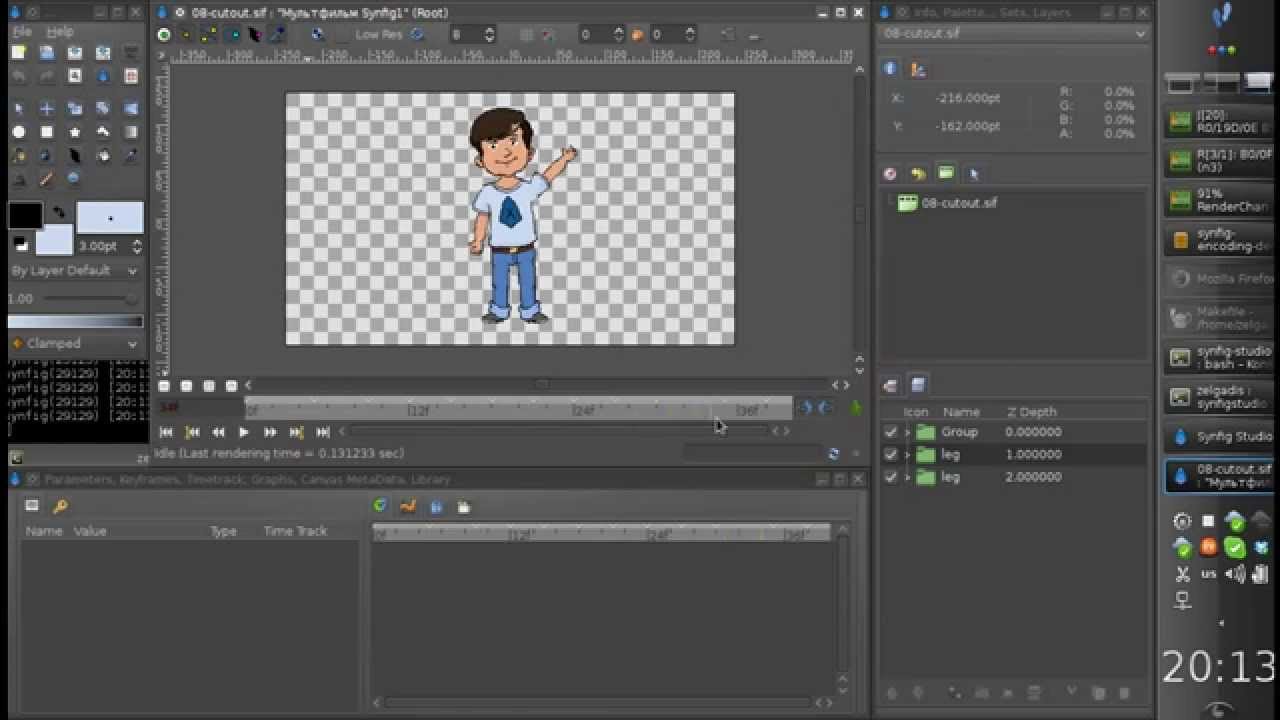
Here is an example of usage of the 2 videos (color + alpha) using Blender
[ ](https://www.youtube.com/watch?v=dU2Rm9IUMiA)
But in your specific case, you must import your 2 videos in VSDC and compose them with blending modes.
It is like in Synfig, but with videos 😉
> **[How to overlay videos in VSDC using blending modes | Tutorial](https://www.videosoftdev.com/how-to-use-blending-modes)**
>
> Blending videos allows you to achieve eye-catching results, such as double exposure and a ghost effect. Learn how to overlay video clips in VSDC Free Video Editor
[ ](https://www.youtube.com/watch?v=ost8CAISACc)